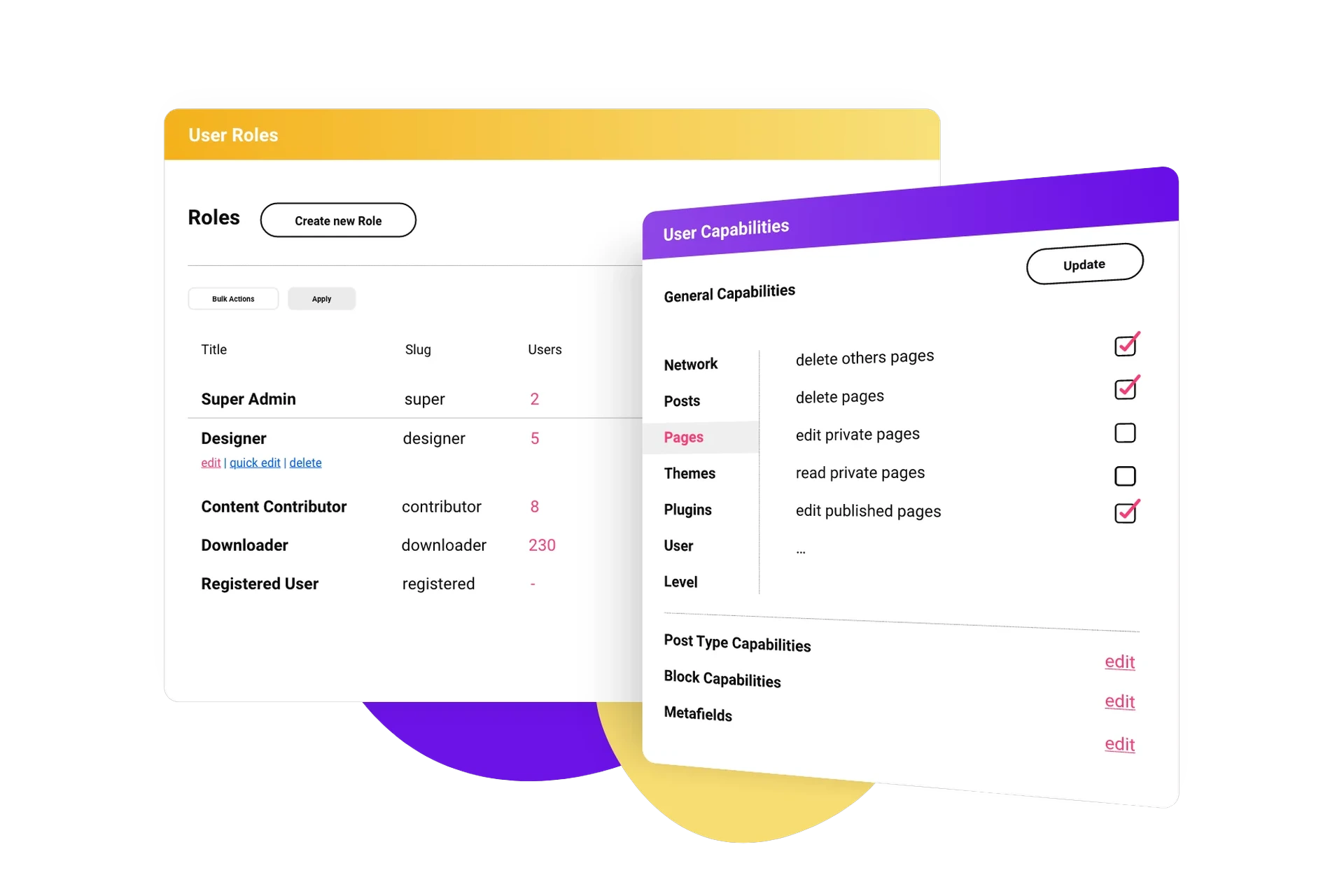
Control Access Down to the Smallest Detail
Create custom user roles that define exactly what someone can touch in the backend, so a franchisee, client, or new hire never risks breaking a part of the site they shouldn't. Use the same roles on the frontend to gate content behind a login and automatically change what each visitor sees.
Before User Management
A franchisee, junior editor, or client needs to update one part of a site. Without custom roles, they either get full admin access, able to break anything, or such restricted access that a support ticket is needed for every small change.
Why Teams Use User Management
Give Every User the Access They Need
Assign precise permissions to each role, so people can handle their work without access to settings they don’t need.

Control Access Down to the Smallest Detail
Define exactly who can see or edit which parts of the site, role by role.

Delegate Without the Risk
Give a franchisee, client, or junior editor exactly the capabilities they need, and nothing that could break the site.

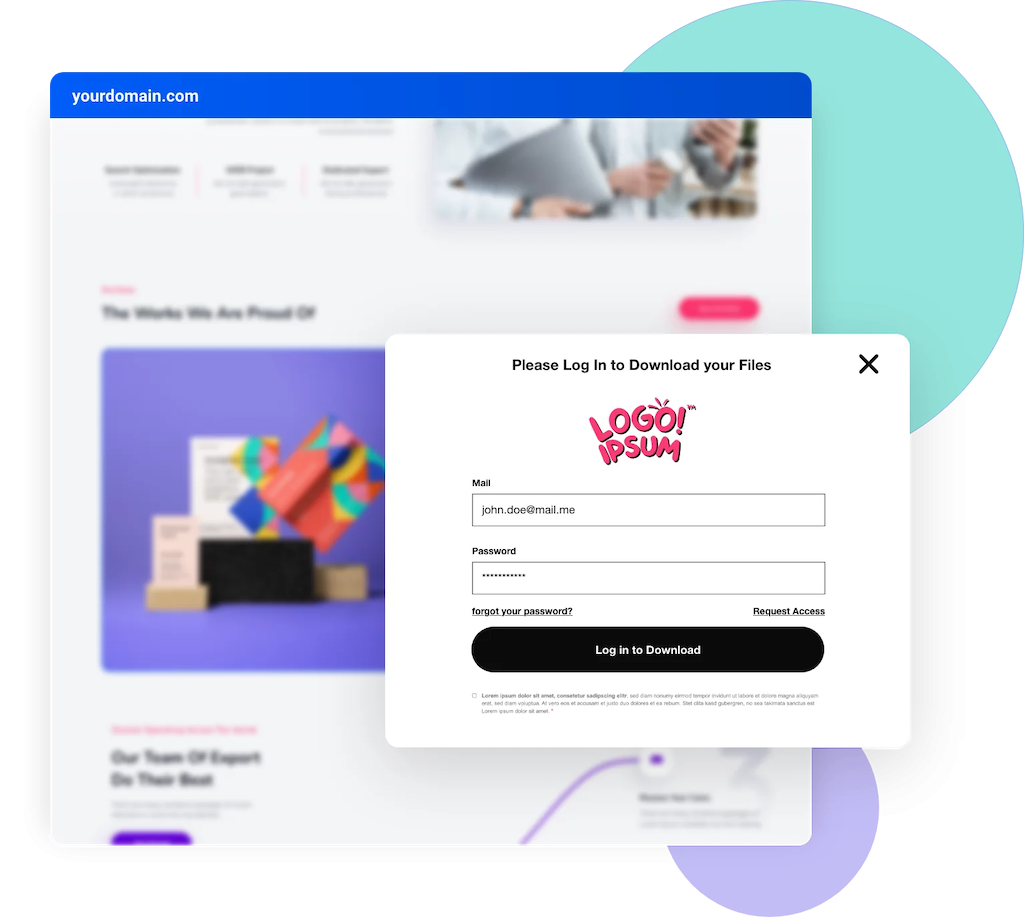
Gate Content Behind a Login
Build user portals with their own registration, login, and logout pages, no separate membership plugin.

Change What Visitors See, Automatically
Automatically adjust a page's content based on the visitor's user role.

Built on WordPress Core, Not a Replacement
Extends WordPress's own user, role, and capability system instead of bolting on a separate one.
How User Management Works
From Role Creation to Controlled Access in Three Steps
Step 1
Create the Custom Role
Define a new user role with exactly the capabilities it should have, built on WordPress's own role system.
Step 2
Assign It to the Right People
Give the role to a franchisee, client, or team member, and nothing more than what they need.
Step 3
Put the Roles to Work
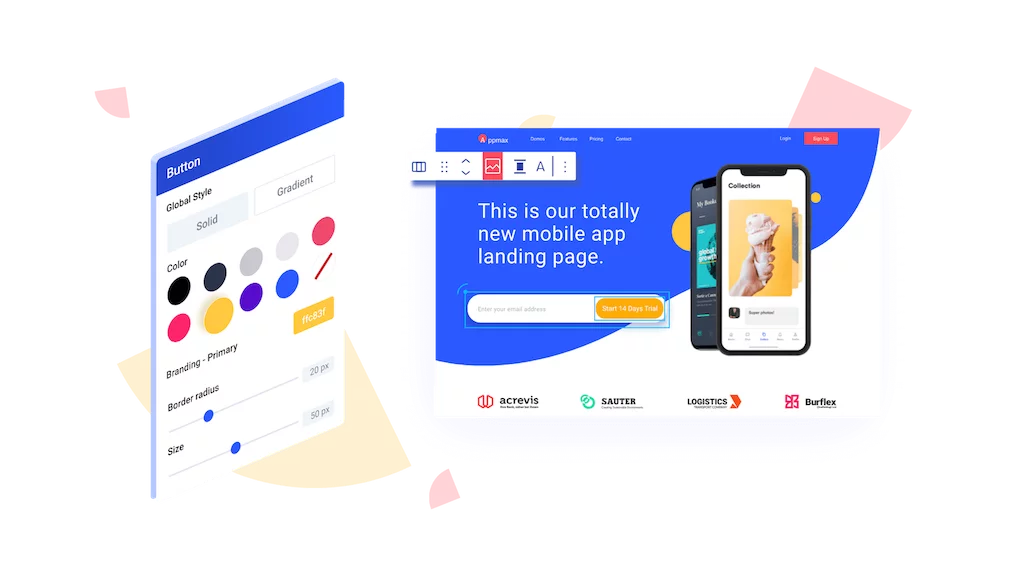
Use the roles to automatically show or hide content based on who's viewing, build Gated Content sections that require login, or restrict specific areas and individual posts in the backend to specific roles.
Built for the Way Distributed Teams Actually Work

Franchise
Perfect for franchise and Multi-Location Networks Who…
Need franchisees to update local details without being able to touch corporate design or other locations' content


Technical Details
What’s In It?
Custom User Roles and Capabilities
Built on WordPress core's own role and capability system, not a replacement.
Custom Login and Logout URLs
Change the login and logout URLs and set up custom redirects for each, instead of using WordPress defaults.
User and Admin Emails
Configure the system emails sent to users and admins directly, without editing PHP or adding a separate plugin.
Testimonials
Built With User Management

Uses custom user roles to ensure certain changes can only be made by certain employees.

Built a website generator in which users without backend access fill in and customize their own websites directly from the frontend.

Simplified content management for franchisees by only granting tailored capabilities and limiting the backend to the areas they can and are allowed to use.