
Build Complex Forms Your CRM Already Understands
Launch conditional, multi-step forms right in the block editor. Every submission goes straight to the tools you already use, a CRM like Salesforce or HubSpot, an email platform like Mailchimp, or another system via webhook. Start GDPR-compliant from day one with native double opt-in built in, without the developer queue.
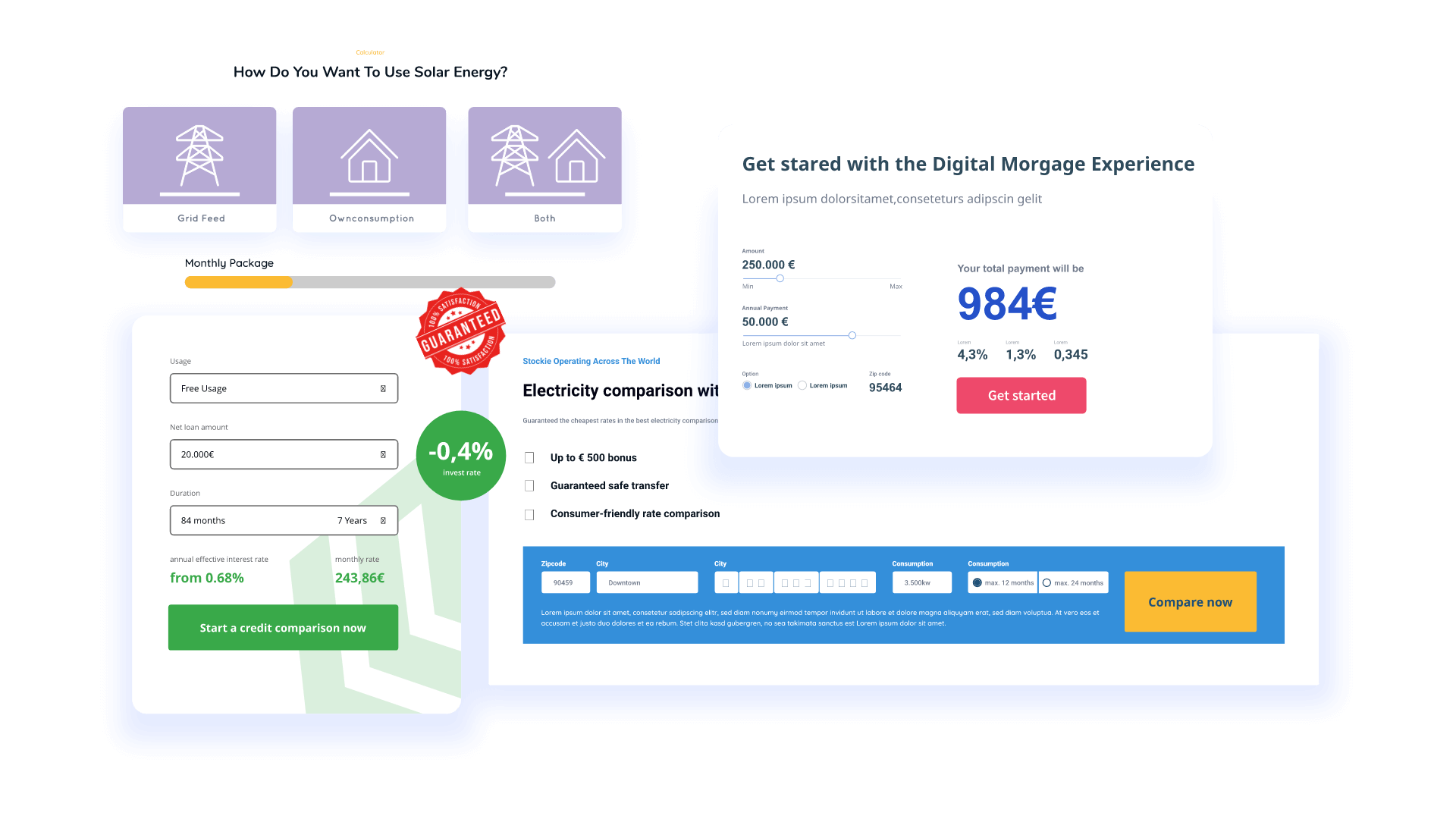
Before Greyd.Forms
A campaign launches tomorrow. The lead form needs a conditional field for region, a double opt-in for GDPR, and a live connection to the CRM your sales team already uses, and none of it fits in the contact-form plugin your site came with. Most teams patch it together with a second form plugin, a CAPTCHA add-on, and a Zapier connection, then wait for a developer to wire it all up.
Why Teams Use Greyd.Forms
One Form Builder, Five Things That Change on Day One
Every form you build with Greyd.Forms touches sales, compliance, and design at once. Here’s what shifts once your team trades a patchwork of plugins for one block-based tool.

Ship Campaigns Without the Developer Queue
Build the form, add conditional logic, and publish, all inside the block editor you already use for the page, without opening a separate builder or waiting on a sprint.

Every Submission Lands Where Your Team Already Works
Direct interfaces to Salesforce, HubSpot, Mailchimp, and webhooks send each entry straight where your team already works the moment it's submitted, no middleware tool in between.

Ship GDPR-Compliant From Day One
Native double opt-in with live status tracking makes compliance part of the form's launch, before legal ever needs to flag it.

Handle Real Logic Without Custom Code
Conditional fields, multistep containers, mathematical fields, and live surveys handle the cases a standard contact form can't, like an insurance quote calculator or a multi-part application.

Stop Paying for a Separate Form Plugin
One block-based tool replaces the form plugin, the CAPTCHA add-on, and the Zapier connection you'd otherwise stack on top of it. Every form also inherits your site's global design system automatically, matching the brand without any manual restyling.
How Greyd.Forms Works
From Form Setup to Live CRM Follow-Up in Three Steps
Step 1
Add the Forms Block and Choose Your Fields
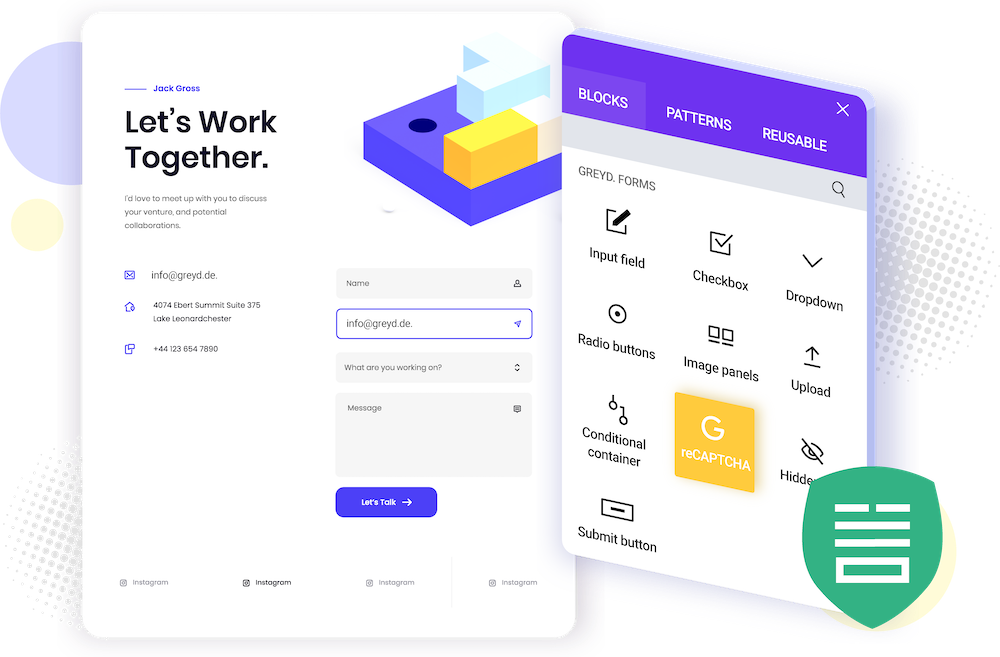
Drop in input fields, dropdowns, checkboxes, conditional fields, uploads, mathematical fields, or a multistep container, right inside the block editor.
Step 2
Connect Your Follow-Up Actions
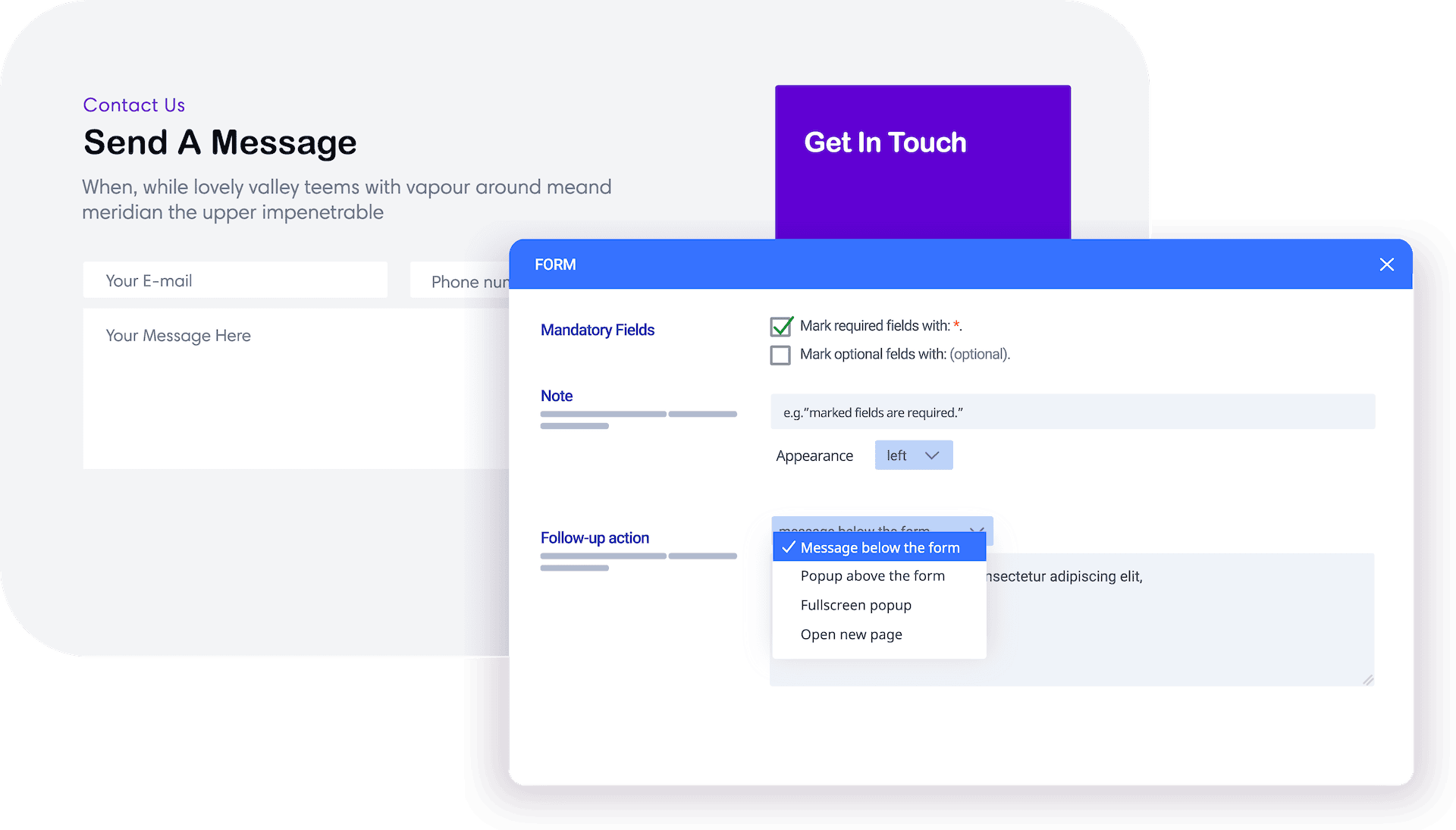
Route entries to your CRM, trigger a double opt-in email, or create or update a WordPress post from the submission, all from the same follow-up panel.
Step 3
Publish and Track Results
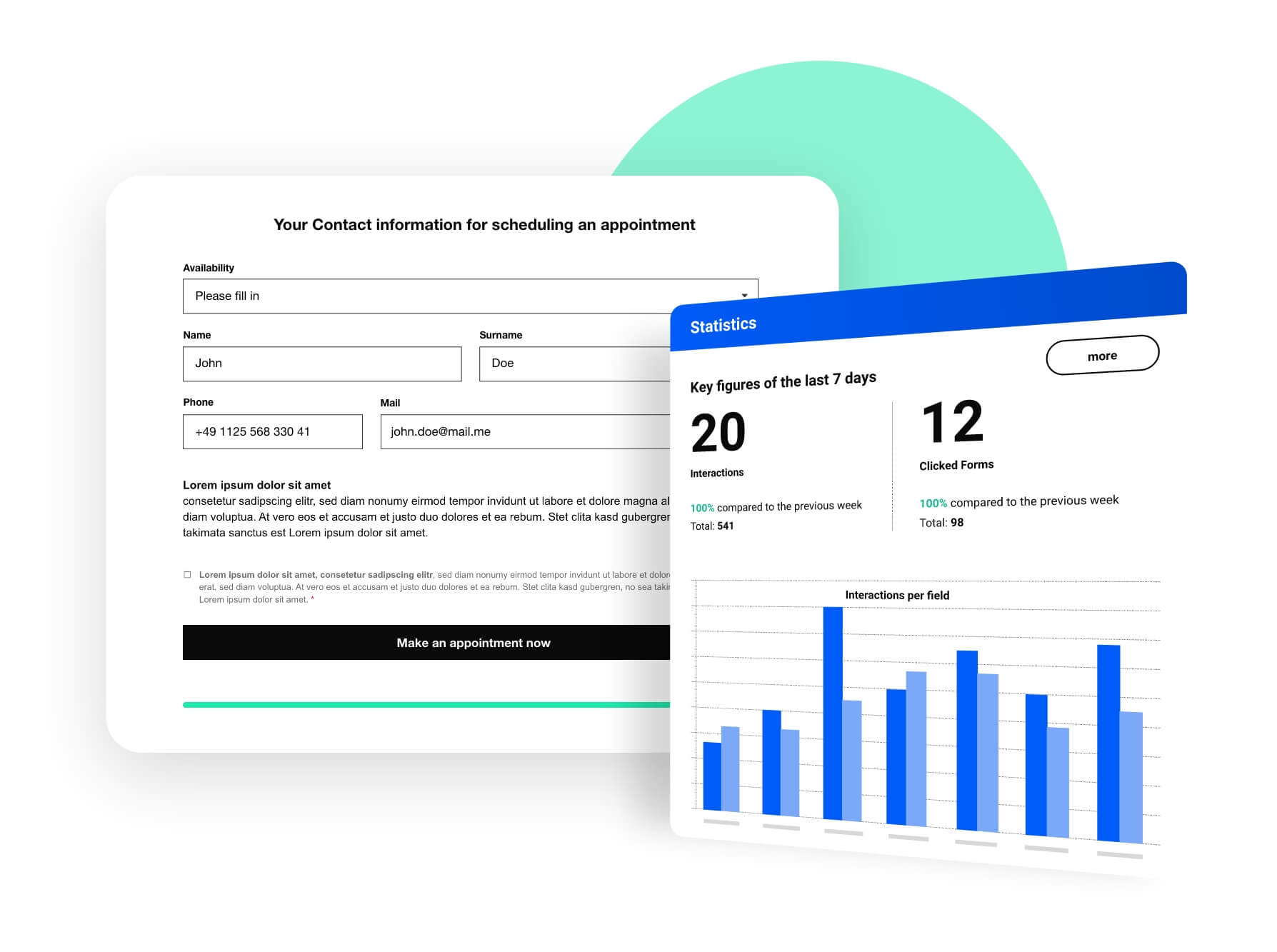
Entries, CSV export, and built-in analytics are available the moment the form goes live, no separate dashboard to configure.
Built for the Way Your Team Actually Works

Marketing
Perfect for Marketing Teams Who…
Need a campaign form live and CRM-connected the same day
Want every submission tagged by which landing page it came from
Need double opt-in running the day the form goes live, before compliance even has to ask


Technical Details
What’s In It?
Field Types
Input, dropdown, checkbox, radio, password, hidden, slider, image panel, mathematical field, upload, multistep container, live survey.
Bot Protection
Cloudflare Turnstile, Google reCAPTCHA, and honeypot fields, so you can choose the option that fits your traffic without a separate plugin.
Validation and Security
Backend validation on every field, verified through penetration testing, catches what client-side checks alone would let a bot skip.
Data Handling
CSV export for every form, plus the Post Interface, which maps a submission to a new or existing WordPress post, including conditional field mapping.
Testimonials
Built With Global Content

Built a lead form that routes every submission straight to the right franchise owner, automatically.

Built interactive multistep forms without relying on an external developer.

Used the frontend post forms feature to build an entire website generator for start-ups.


