
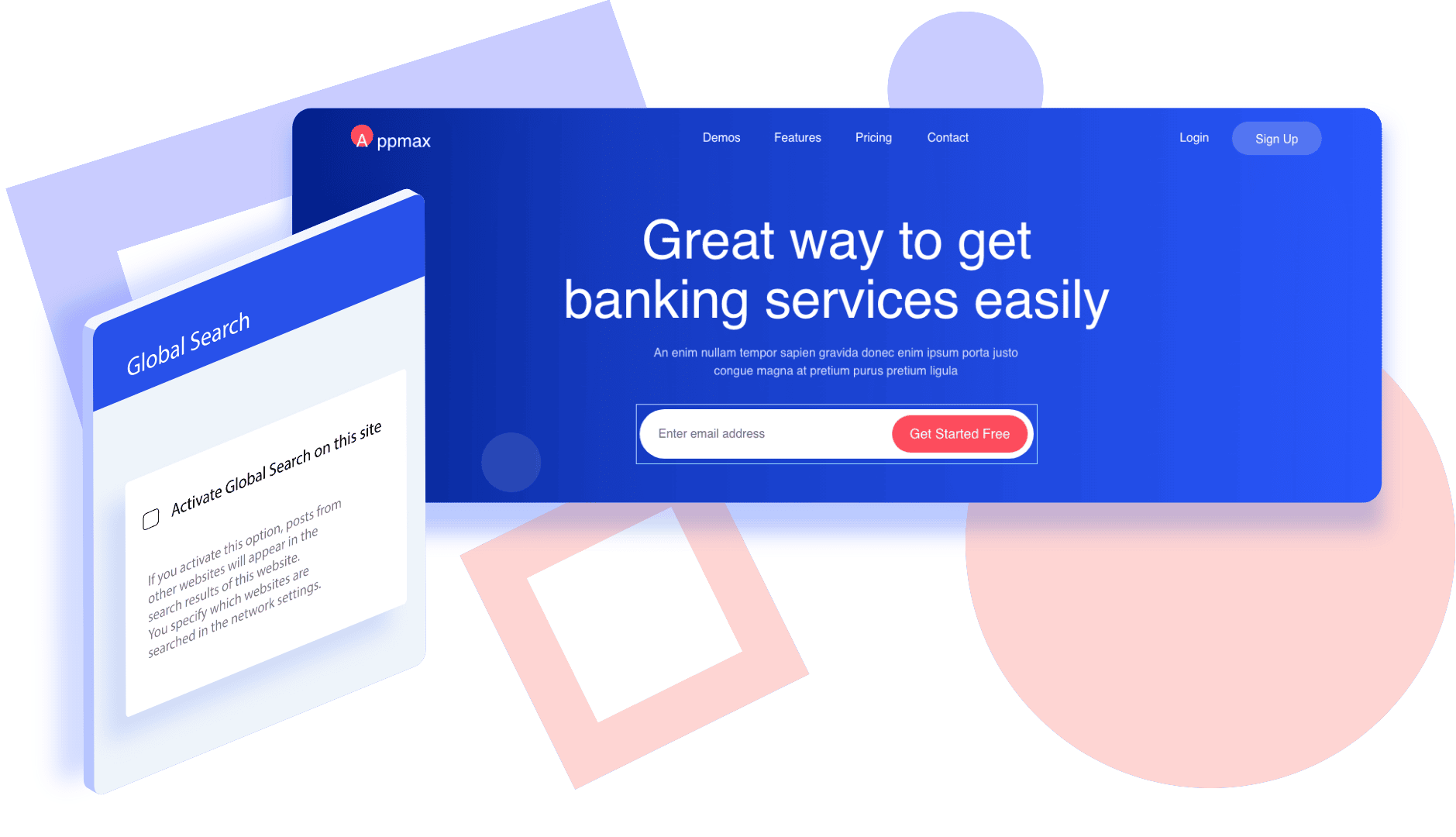
Before Advanced Search
A visitor searches the site and gets a wall of results in no particular order, nothing to filter by, no preview until they hit enter, and if what they’re looking for lives on a different site in the network, native WordPress search won’t find it at all.
Why Teams Use Advanced Search
Search That Finds the Right Result Faster
Every site built with Greyd.Suite surfaces the right result quickly, instead of leaving visitors to scroll through a generic list.

Build the Exact Search Experience You Want
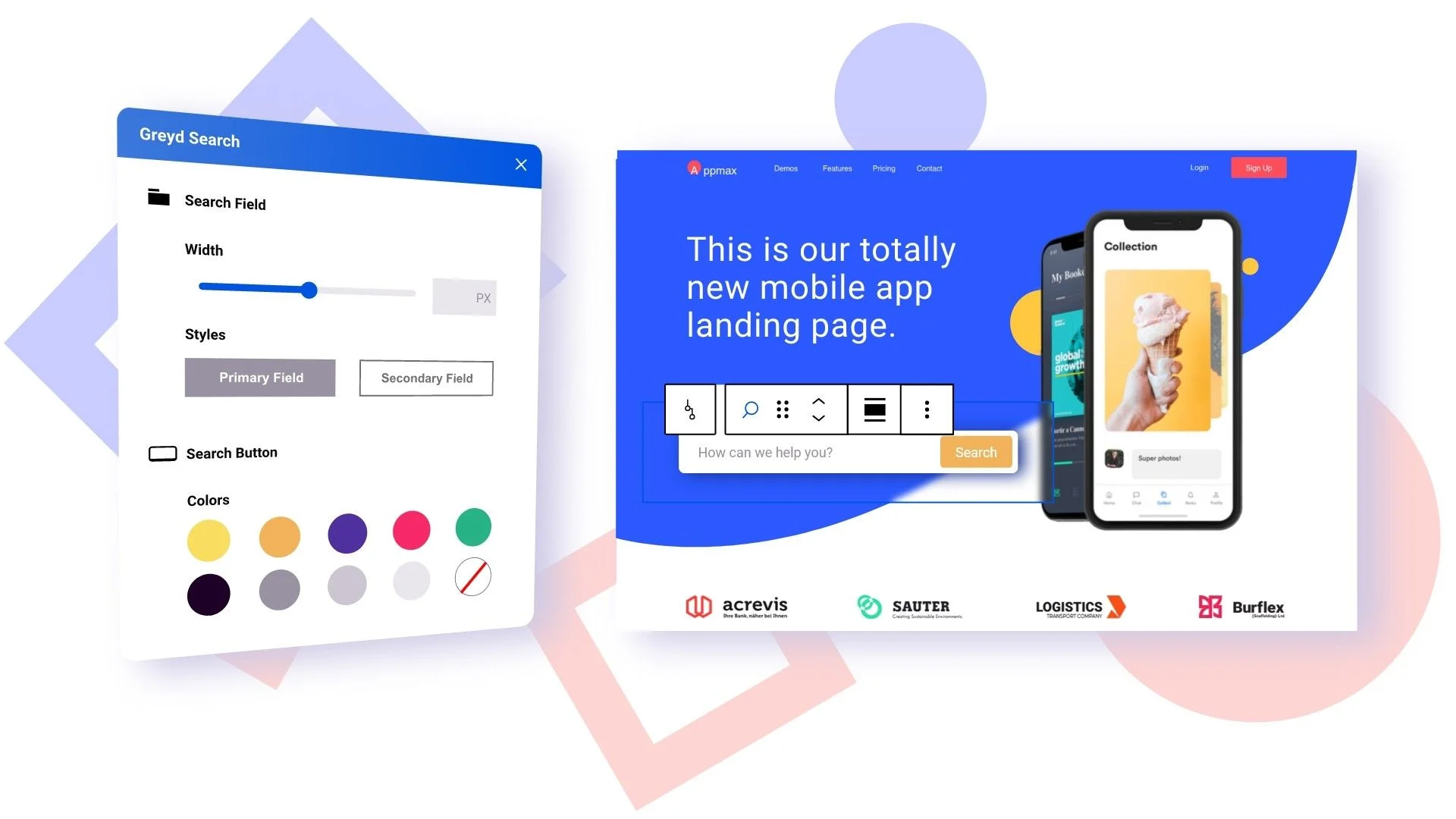
Add a search block with advanced filter dropdowns, sort options, and search fields, directly in the block editor.

Show the Most Relevant Results First
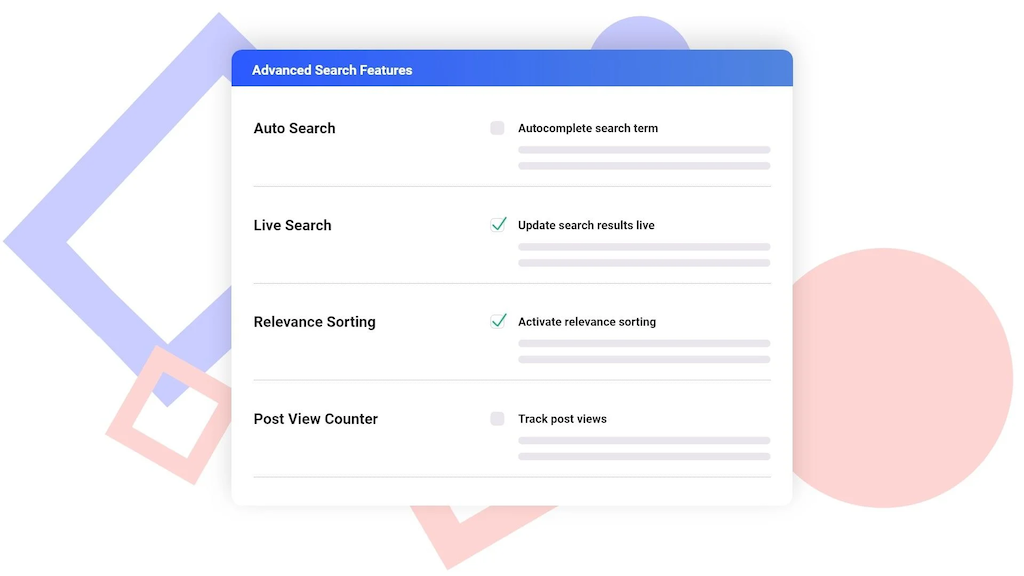
Sort results by relevance, popularity, or other factors, instead of WordPress's default order.

Preview Results as They Type
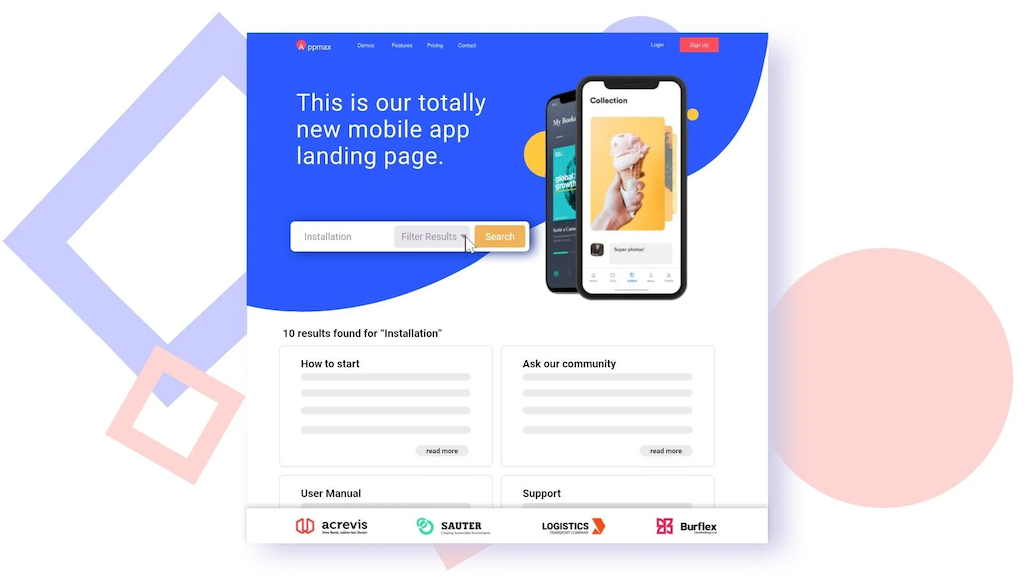
Show a live preview of matching results the moment a visitor enters a search term.

Search Beyond the Obvious
Search post type meta data, exclude specific posts or terms, and control exactly what's searchable.

Search Every Connected Site at Once
Use Global Search to return results from every site connected in Greyd.Hub, not just the one a visitor lands on.
How Advanced Search Works
From Search Block to Global Results in Four Steps
Step 1
Build the Search Block
Add the Search block as a container, then add filter dropdowns, search fields, and sort options inside it.
Step 2
Set What's Searchable and How It's Sorted
Choose which fields and post type meta to search, exclude specific posts or terms, and sort by relevance or popularity.
Step 3
Turn It Into a Live Search
Enable live results so matches appear directly on the page as visitors type, with no redirect to a separate search results template.
Step 4
Turn On Global Search for Cross-Site Results
Connect sites via the Site Editor so one search returns results from every connected site.
Built for the Way Teams Actually Search Content

Franchises & Enterprises
Built for Franchise and Multi-Site Networks Who…
Want one search box to return results from every connected site, not just the one a visitor happens to land on

Technical Details
What’s In It?
Search (Greyd) Block
A container block for filter dropdowns, search fields, and sort options.
Global Search
Cross-site search across every website connected in Greyd.Hub.
Meta Data Search
Search custom post type meta data, and exclude specific posts or terms from results.
Advanced Filter and Sort Options
Customize results dynamically, by relevance, popularity, or other factors.
Live Search
Matching results appear directly on the page as visitors type, with no redirect to a separate search results template.
Testimonials
Built With Advanced Search

Runs product-specific Help Centers with advanced search and personalization that give users a more intuitive way to find answers.

No longer dependent on external developers for custom site structures and search experiences, contributing to +200% websites delivered per year.


