Accessibility Built In, Not Bolted On
Every site built with Greyd.Suite is accessibility-ready by default, semantic markup, ARIA support, accessible forms, and screen-reader and keyboard compatibility, so you're not relying on an overlay plugin that only looks like compliance to users, search engines, or AI systems.
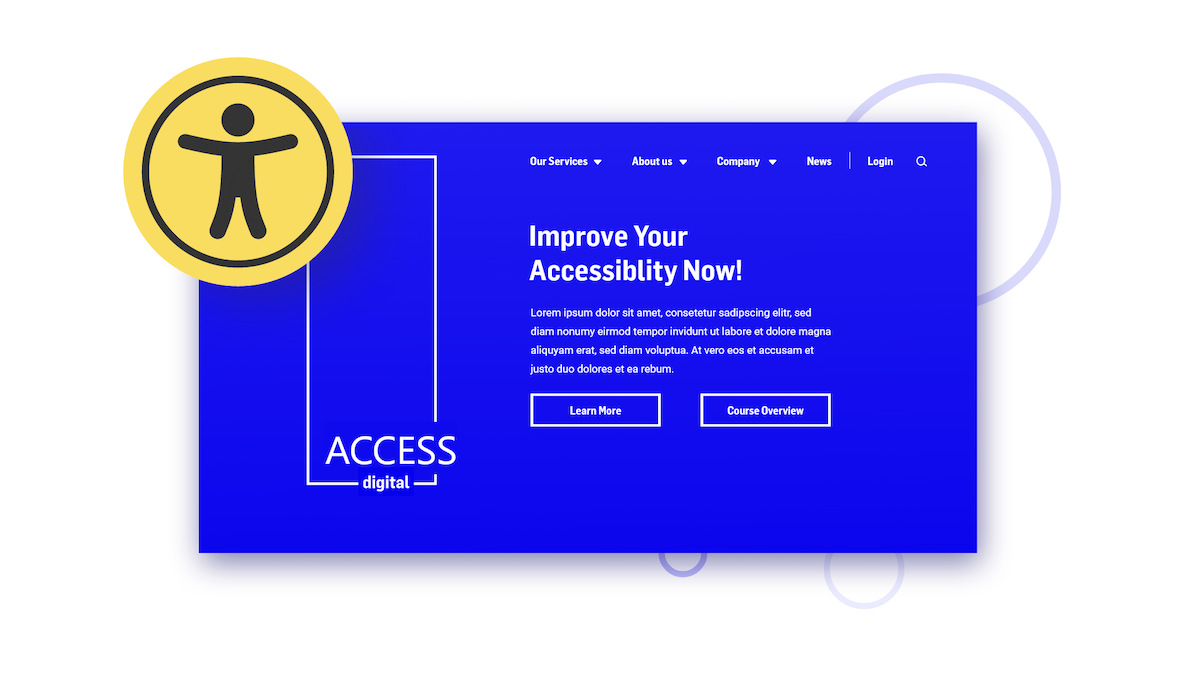
Before Greyd.Suite
A site gets built without accessibility in mind, and the fix afterward is either a scramble of manual markup changes across every page, or an overlay plugin that creates the appearance of compliance without actually resolving the underlying issues. Designers working in a page builder that doesn’t handle accessibility on its own end up needing a developer just to get the markup right, where a tool that has accessibility-readiness baked in would have handled that from the start.
Why Teams Use Accessibility Features
Accessible by Default, Not by Retrofit
Every site built with Greyd.Suite starts with accessibility-ready semantic markup and structure, no separate remediation project.

Skip the Overlay Plugin Risk
Overlay plugins create a false sense of security; they can't fix underlying accessibility issues, and using them can itself be a legal risk. The same structural gaps that block accessibility also block search engines and AI systems from reading your site correctly, and an overlay sitting on top of the page does nothing to fix them. Greyd.Suite handles the technical part directly.

Screen-Reader and Keyboard Ready
Skip links, focus outlines, and semantic HTML mean visitors using a screen reader or keyboard-only navigation get a site that actually works for them. The same markup is what AI bots rely on to crawl and read your site accurately.

Accessible Forms Built In
Form fields and labels are accessible by default, so screen-reader users hear what each field asks for and keyboard users can reach and complete every field without a mouse. Your team builds forms the way it always has, and the accessible markup comes with them automatically.

Free to Focus on Content and Design
With the technical requirements handled at the platform level, design and content can do their part in building an accessible website without having to worry about technicalities under the hood.
How Accessibility Features Works
From Built-In Accessibility to Optional ARIA Tuning in Two Steps
Step 1
Build the Site as Usual
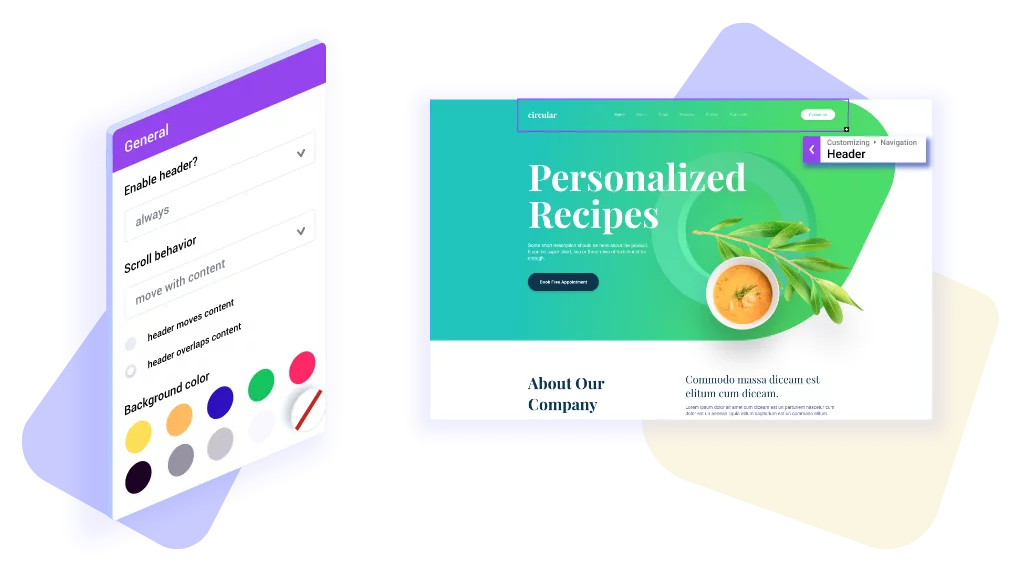
Semantic HTML, focus outlines, skip links, and keyboard navigation are already part of how Greyd.Suite renders every site, no extra setup required.
Step 2
Add ARIA Attributes Where Needed
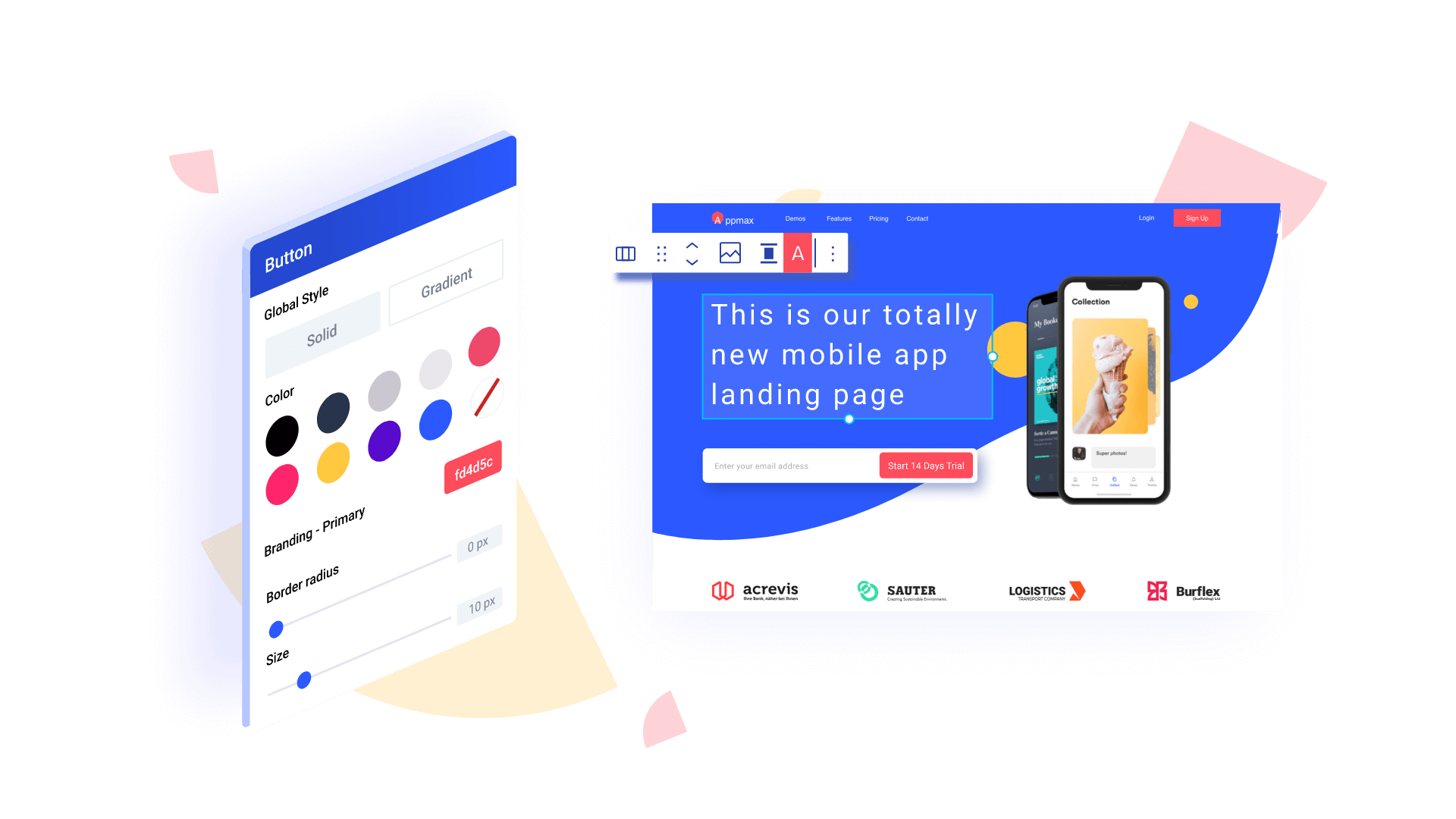
Enhance specific blocks with additional ARIA attributes directly in the editor for cases that need finer control.
Built for the Way Compliance-Minded Teams Actually Work

Enterprises
Perfect for Enterprise and Organizations Who…
Face specific legal accessibility obligations, like the EU Accessibility Act or a national accessibility law, and need to prove compliance, not just claim it

Technical Details
What’s In It?
Semantic HTML and Structure
Built into how Greyd.Suite renders every site, not an afterthought, and it's the same structure search engines and AI systems read to rank and cite a page accurately.
Screen-Reader and Keyboard Compatibility
Skip links, focus outlines, and accessible navigation patterns throughout.
ARIA Attributes
Add specific aria attributes to any block directly in the editor.
Accessible Forms and Popups
Form fields, labels, and popups built to be usable with assistive technology.
Testimonials
Built With Accessibility Features

Built a scalable Help Center platform, integrated with Salesforce and their app, that meets accessibility guidelines across every site it runs on.

Maintains excellent page speed and accessibility compliance despite running 150 connected sites.

An accessibility-focused agency, builds government sites with Greyd.