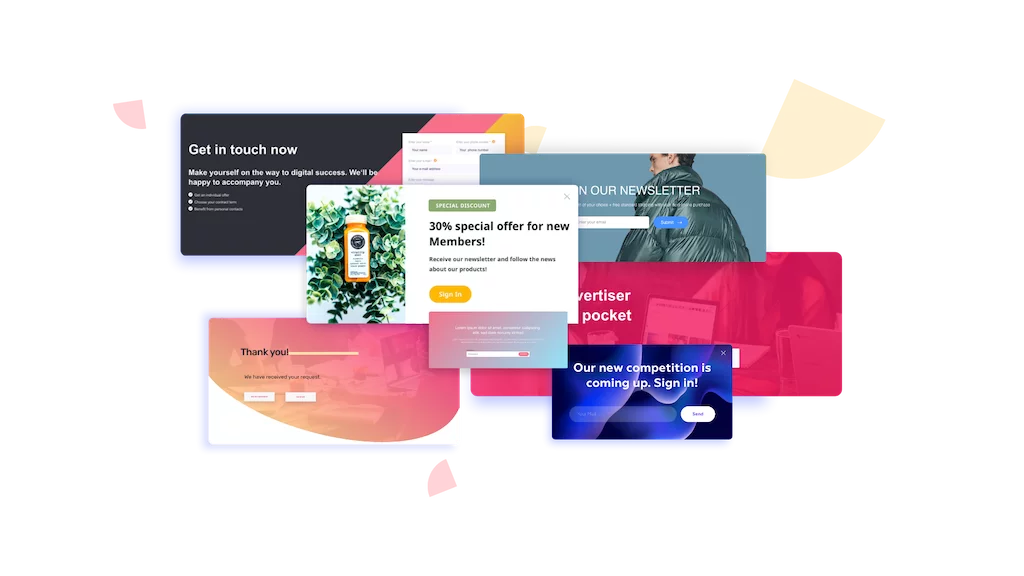
Before Greyd.Popups
A campaign needs an exit-intent popup with a discount code, and the site’s popup plugin doesn’t match the new page’s design, locks out visitors using a keyboard or screen reader, and charges its own monthly fee on top of everything else already running the site.
Why Teams Use Greyd.Popups
Popups That Reach the Right Visitor at the Right Moment
Build on-brand popups in the block editor, choose when and to whom they appear, and track the leads they generate.

Match Your Site's Design, Automatically
Popups inherit the site's global design settings the moment they're created, no separate skin or theme to configure.

Trigger the Right Moment
Page load, exit intent, a button click, inactivity, or scroll depth decide when a popup appears, not a one-size-fits-all timer.

Target the Right Visitor
Show a popup based on page history, time of day, or browser type, so the same site can run different popups for different visitors.

Know Which Popup Earned the Lead
Each popup automatically extends the URL with its own tag the moment it activates, so conversions track back to the exact popup, not just the page it appeared on.

Stop Paying for a Separate Popup Plugin
Build, style, and manage every popup in the same block editor already used for the rest of the site.
How Greyd.Popups Works
From Popup Setup to Conversion Tracking in Four Steps
Step 1
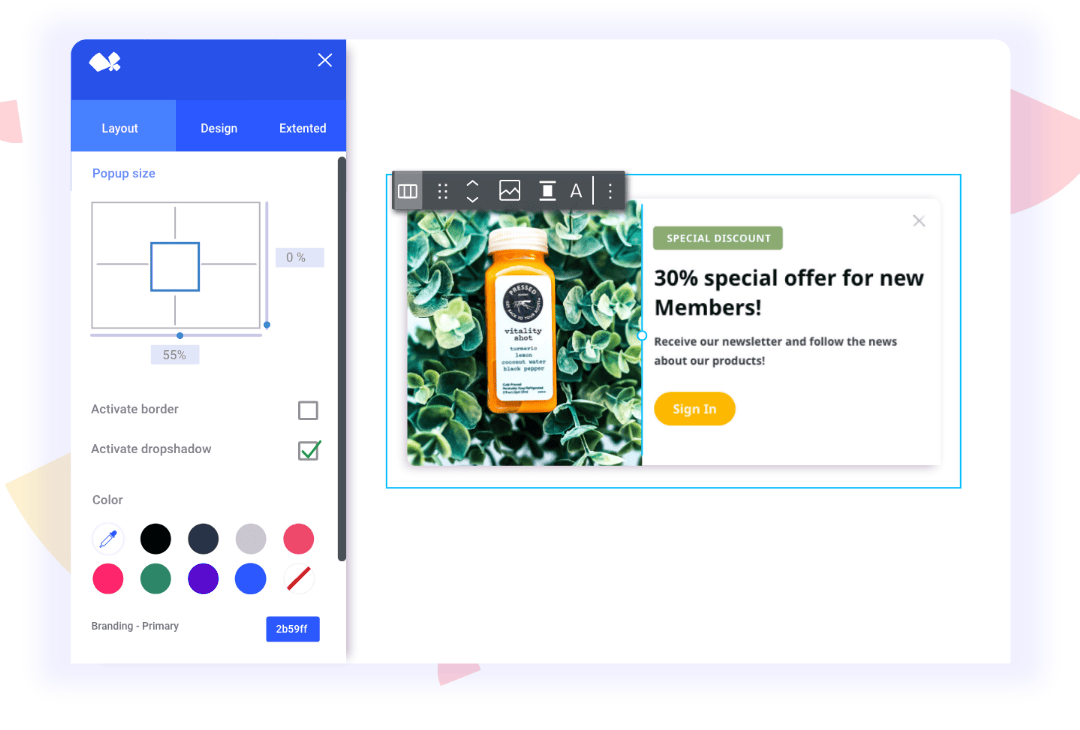
Build the Popup in the Block Editor
Design it like any other page, using the same blocks and global design settings already in place.
Step 2
Set the Trigger
Choose page load, exit intent, a click, inactivity, or scroll depth from the display settings.
Step 3
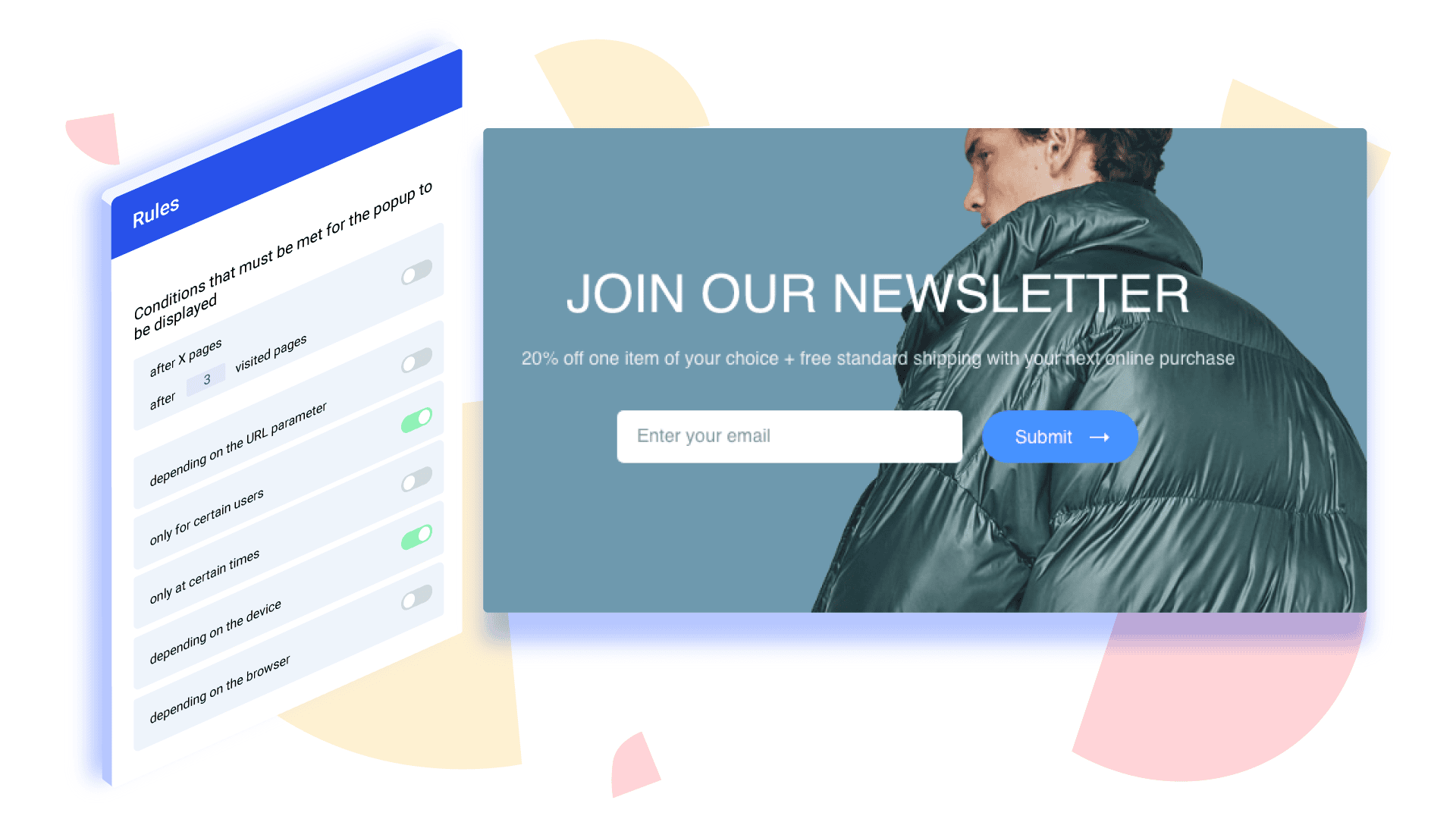
Target Who Sees It
Add conditions like page history, time of day, or browser type to control exactly who the popup reaches.
Step 4
See Every Conversion, Automatically
When a popup activates, it automatically extends the page URL with its own tag (like #popup-promo), so every conversion tracks back to the exact popup that triggered it.
Built for the Way Marketing Teams Actually Work

Marketing
Perfect for Marketing Teams Who…
Need a discount popup live before a flash sale starts
Want a newsletter popup that only shows once per visitor
Need to announce a limited-time offer without touching page content

Technical Details
What’s In It?
Trigger Types
Page load, exit intent, button click, inactivity, and scroll depth, set from the display meta box.
Targeting Conditions
Page history, time of day, and browser type control exactly who sees a given popup; a show-only-once rule keeps recurring visitors from seeing the same popup twice.
Style Section
Full appearance and structure customization, with live preview in the block editor, including animation type, size, and position on the page, how the background page behaves while the popup is open, and whether visitors can close it by clicking outside.
Close Pop-up Block
A dedicated block, included in most presets, that closes the current popup when clicked.
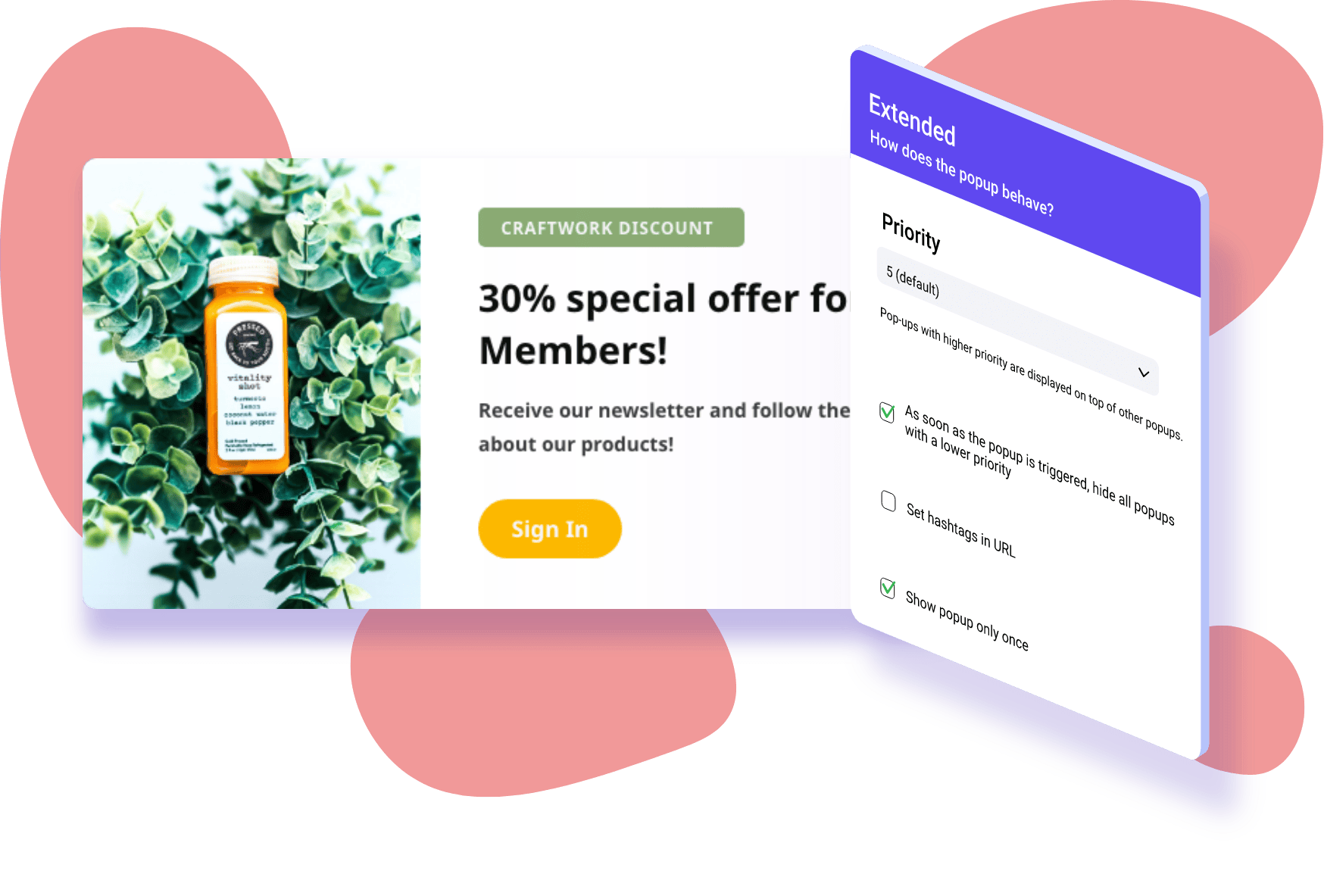
Priority Settings
Control which popup takes precedence when more than one could trigger on the same page.
Accessibility
Popups are accessibility-ready by default, no extra configuration required.
Testimonials
Built With Greyd.Popups

Builds sophisticated popup setups for clients directly in the block editor, with triggers, targeting, and styling handled without any developer work.

Synchronizes popups from the head office across its 250+ franchise sites, so every club runs the same campaign at the same time.

Runs popups in different variations across its enterprise sites, each tailored to the site and audience it appears on.