
Before Dynamic Templates
A designer builds a three-column feature layout, and using it on the next twenty pages means copying the blocks by hand, twenty times, hoping nobody breaks the spacing, and starting over completely the moment the design needs to change.
Why Teams Use Dynamic Templates
Build the Layout Once, Reuse It Everywhere
The same design can power multiple pages and content entries without recreating the structure every time.

Design Stays Locked, Content Stays Free
The layout stays exactly as designed, no matter who fills it in or what they put there, so an editor gets a page to write, not a design to break.

Change It Once, Update It Everywhere It's Used
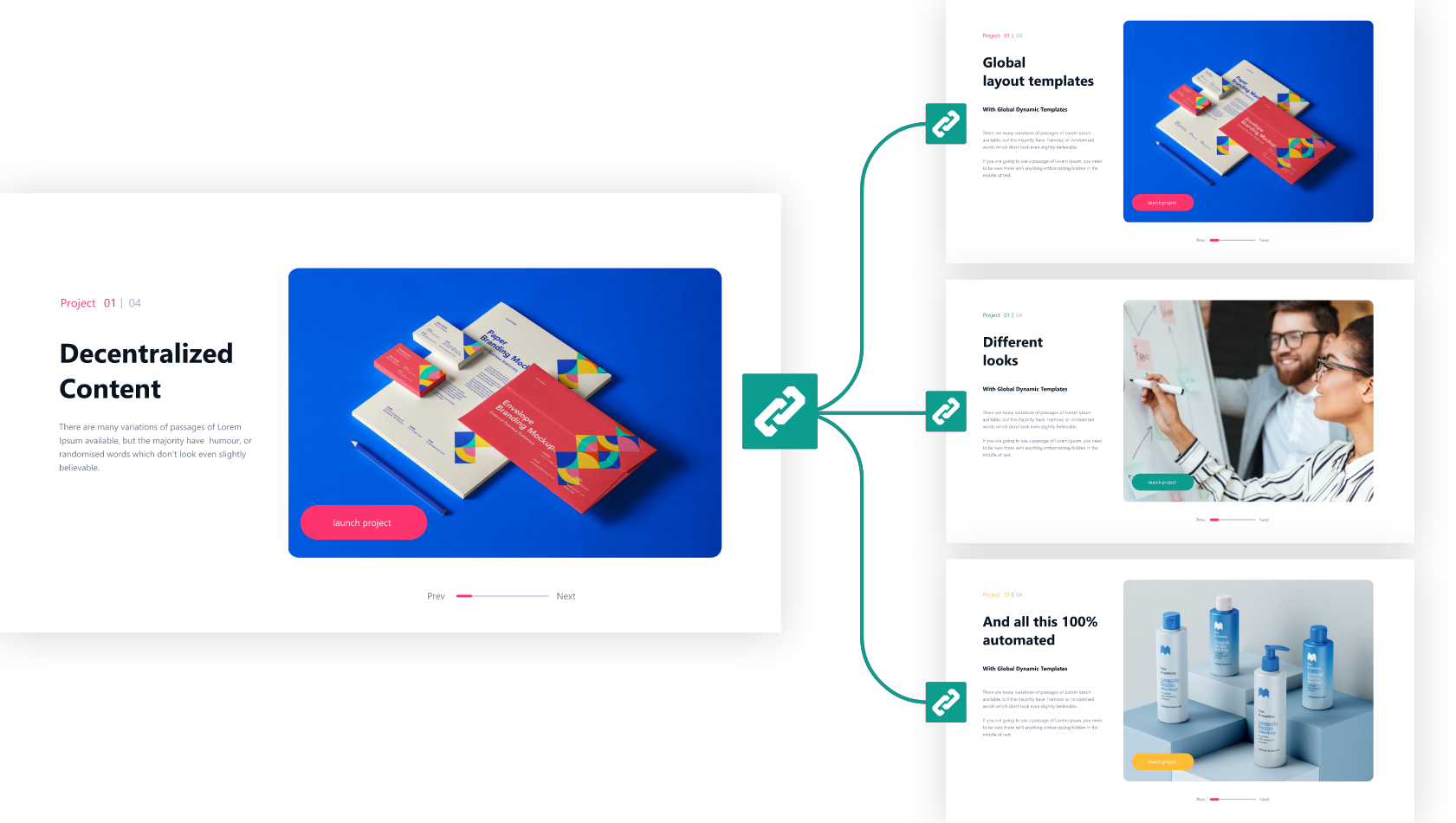
Edit the template centrally and every page using it adopts the change automatically, without losing the content editors already filled in. Combined with Global Content, the same update reaches every connected site, not just this one.

Only Make What Needs to Change, Editable
Mark specific block attributes as dynamic with a field name; everything else stays locked exactly as designed.

Styles Adapt to Every Site Automatically
A template automatically adopts each website's own global design settings, so the same structure looks native everywhere it's used.

Skip the Retranslation Work
A Dynamic Template doesn't need retranslating for every language, since only the content filling it changes.
How Dynamic Templates Works
From Reusable Layout to Editable Content in Four Steps
Step 1
Build the Template
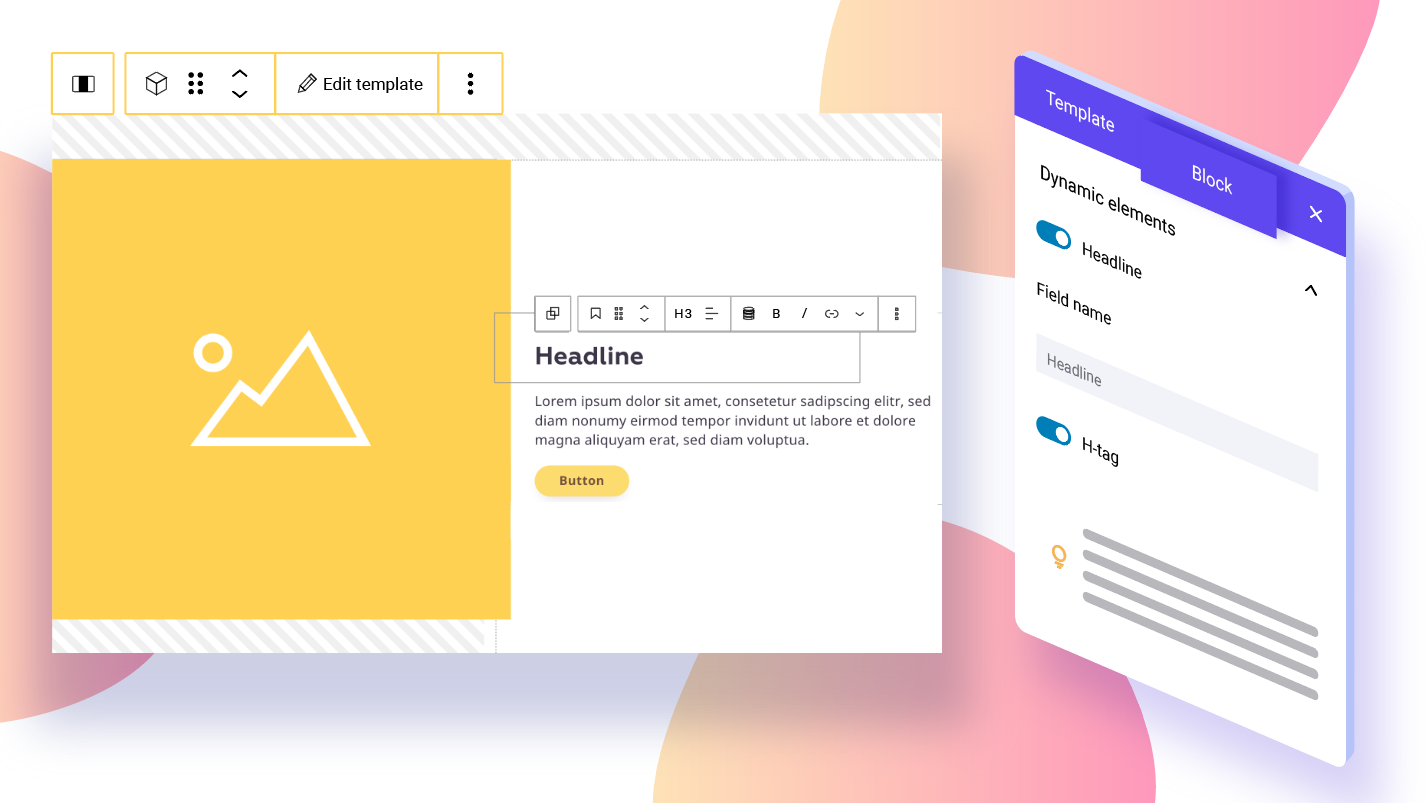
Design anything from a small, reusable block combination to a full page layout, right in the block editor, then mark individual attributes as dynamic, a button's link but not its label, a heading including its tag, or an image's focal point so the crop stays right no matter which photo gets swapped in.
Step 2
Name the Fields (If You Want To)
Every dynamic element gets a field name automatically, ready to use right away. Rename it to something clearer only if you need to, or to sync matching elements under the same name.
Step 3
Insert It Anywhere
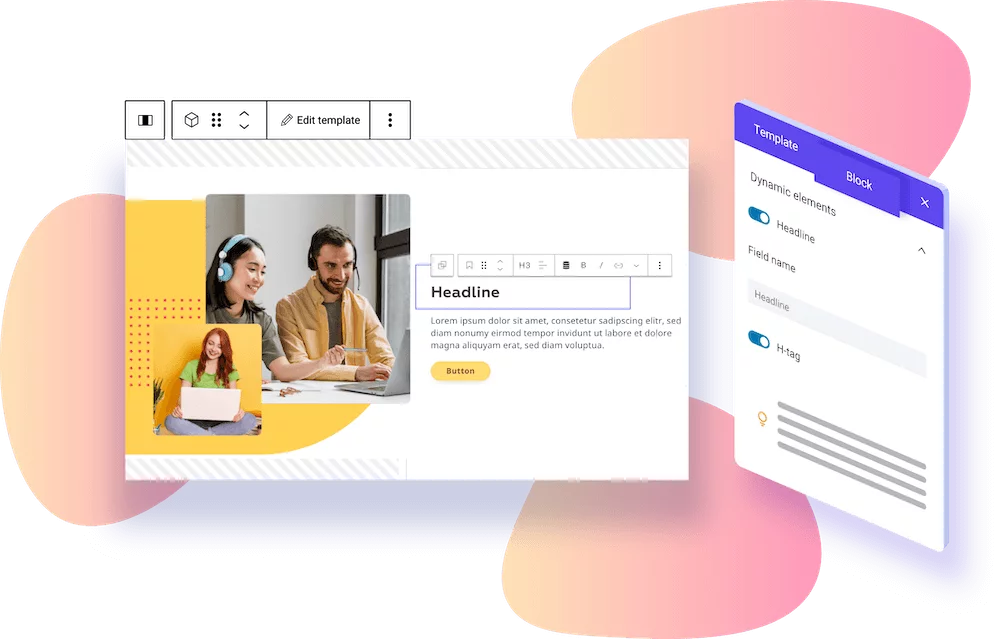
Add the Template block to any page, or inside a query loop so it repeats once per item, each with its own content, and the layout renders instantly with its dynamic fields ready to edit.
Step 4
Fill It In, Without Touching Design
An editor fills the open fields directly on the page; every other design decision stays exactly as built.
Built for the Way Teams Actually Build Sites

Marketing
Built for Content Editors Who…
Fill in a prepared layout without touching spacing or mobile behavior
Need a new page live without waiting on a designer or developer

Brand teams
Built for Agencies and Multi-Site Teams Who…
Reuse a proven template across client projects, or across every site in a network combined with Global Content
Want to launch new sites in a fraction of the time by starting from proven templates instead of building every page from scratch
Need brand consistency without redoing the design each time
Technical Details
What’s In It?
Dynamic Elements
Mark any block attribute as dynamic from the Dynamic Elements panel; it gets a Field Name automatically, rename it only for clarity or to sync it with another element.
Templates Overview
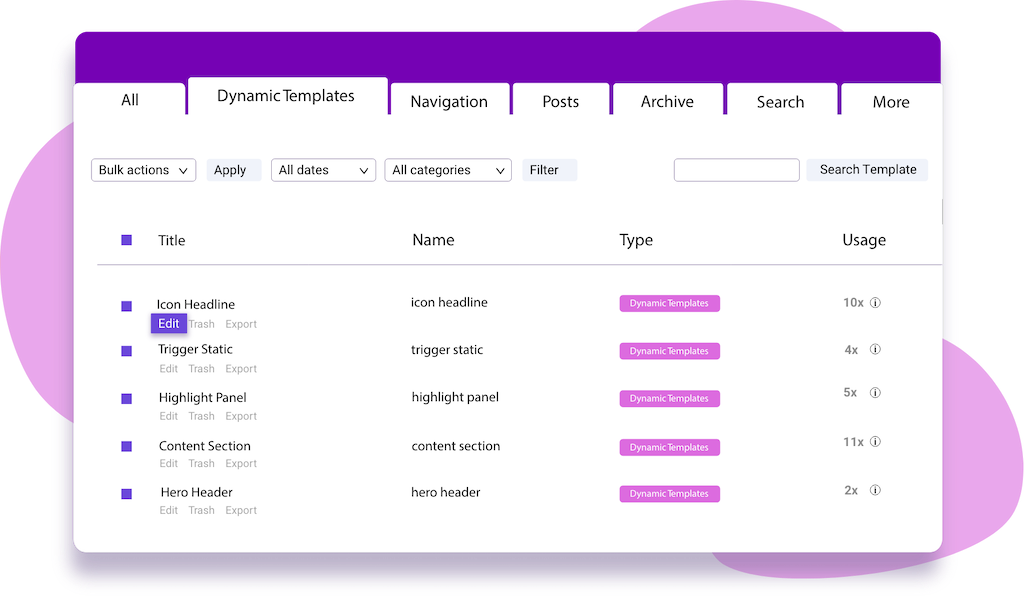
One overview lists every Dynamic Template, shows how often each is used across the site, and supports organizing templates into categories or bulk actions like deleting several at once.
Field Name Syncing
Identical field names across multiple elements sync their content automatically.
Optional Fields
A field with no placeholder only renders once it's actually filled in, so the same template can double as several layouts, with a “Read More” button or without one, depending on what content gets provided.
Detach and Reload
“Detach Dynamic Template” converts a template back into regular, editable blocks with its current values in place; “Reload Template” syncs outside changes without a full editor refresh.
Dynamic Tags
Pull a post's own data, its title, featured image, or custom fields, directly into a template's fields, so the same template displays each post's data automatically wherever it repeats, like inside a query loop.
Testimonials
Built With Dynamic Templates

Average project implementation time down 33%, and the agency now sells over 200% more websites per year.

Launches new websites up to 10x faster with globally synchronized templates, with a standardized design automatically guaranteed across all 150 sites.

Displays the right campaigns, pricing, and features on each of its 300+ studio sites automatically, driven by a few simple input fields per location instead of manual page edits.


