
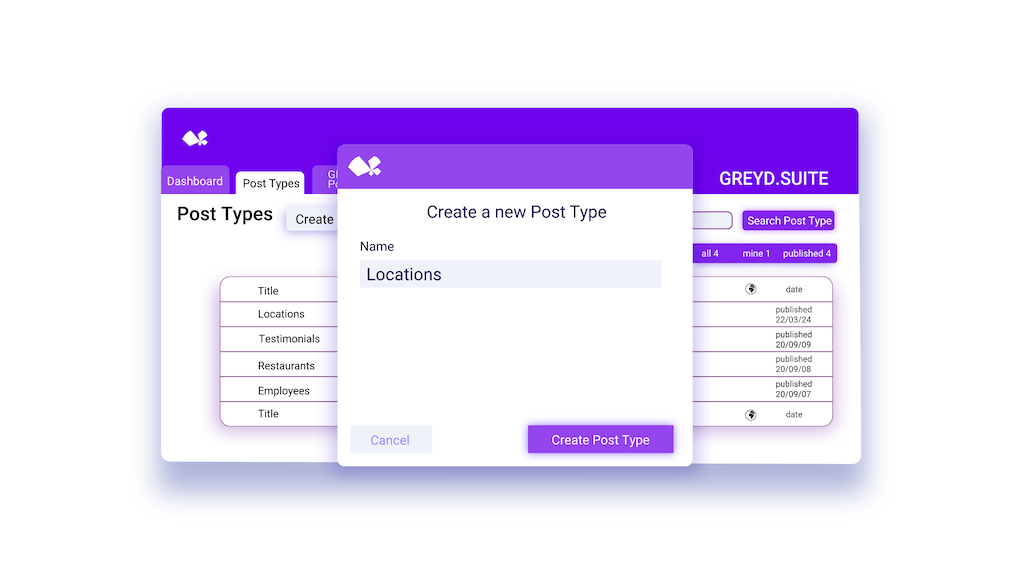
Before Dynamic Post Types
A site needs its own structured content type, a team directory, a product catalog, an event listing, and without one, everything gets crammed into generic Pages, or built with an additional custom post type plugin, and a developer needed every time the fields need to change.
Why Teams Use Dynamic Post Types
One Structure, Many Content Types
Every content type can have its own fields, filters, and layout without creating a separate setup for each one.

Structure Any Content Type, No Code Required
Define post types, taxonomies, and field layouts directly from the WordPress backend, no plugin or developer needed to get started.

Content and Design Stay Separate
Structure the data once; design, display, and filtering choices stay completely independent of it.

Post Overviews Built for How People Actually Browse
Custom overviews, live search, and archives work just like standard WordPress posts, tailored to the content type they serve.

Filter and Sort Without Limits
Custom taxonomies apply across one post type or several, so visitors and editors can filter exactly how the content is organized.

Manage It Without WordPress Knowledge
Once it's built, no WordPress, coding, or design know-how is needed to keep the content current.
How Dynamic Post Types Works
From Structured Content to Custom Post Types in Four Steps
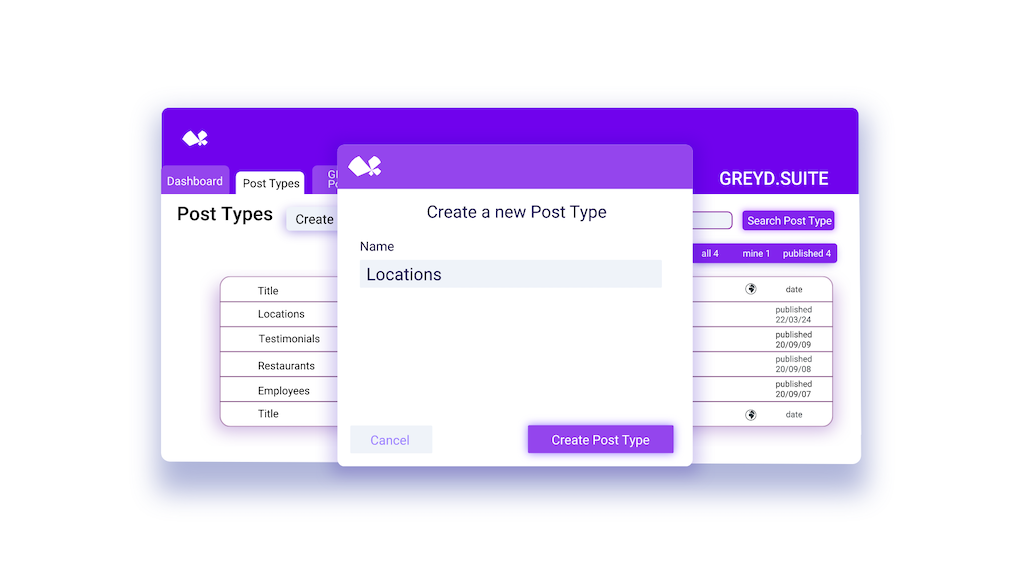
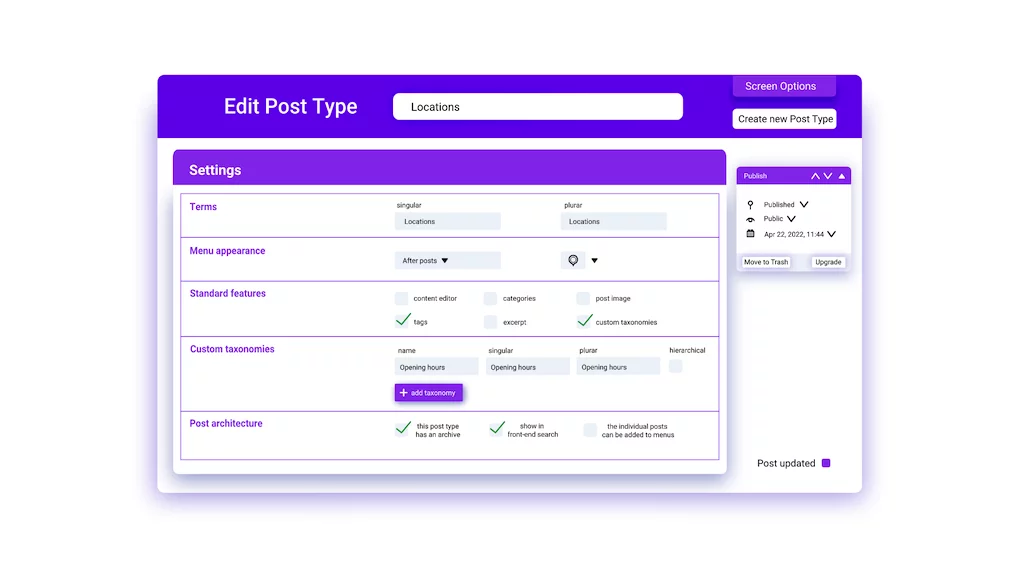
Step 1
Define the Post Type and Its Taxonomies
Create a custom post type and its fields directly from the WordPress backend, then attach custom taxonomies to it, on its own or shared across several post types, no code required.
Step 2
Build Its Archive, Search, and Single Templates
Create dedicated archive, search, and single templates for the new post type, right in the Site Editor, no code required.
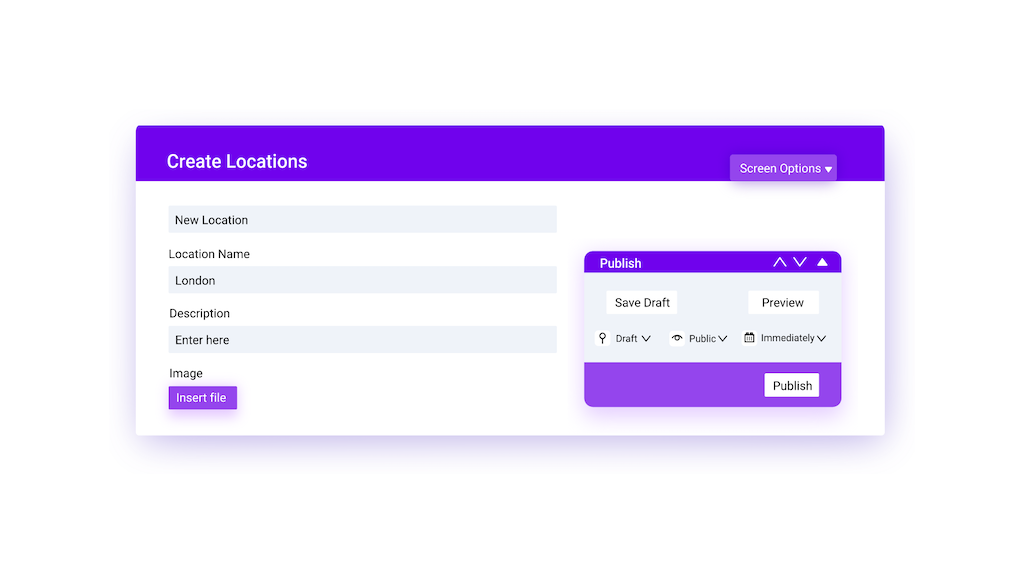
Step 3
Create Posts in a Simple Interface
Add and edit posts of the new type through a straightforward backend interface, no technical knowledge required to keep the content current.
Step 4
Display Posts with Query Loops and Advanced Filters
Use query loops to show posts of the new type anywhere on the site, with advanced filter and sorting options.
Built for the Way Teams Actually Structure Content

Marketing
Built for Content Editors Who…
Maintain a structured content type day to day without ever touching WordPress settings, code, or design


Technical Details
What’s In It?
Post Types
Define structured content types with individual layouts and field definitions, all from within the WordPress backend; extend core types like posts and pages, too.
Global Dynamic Tags
Access the content or metadata of the most recent post from any custom post type, anywhere on the site, without query loop blocks or dedicated templates; always references the latest published content.
Post Type Architecture
Configure each post type's own behavior individually: whether it's searchable, can be added to menus, supports hierarchical taxonomies, and more.
Custom Taxonomies
Attach to one or multiple post types for shared filtering and organization.
Archive, Search, and Single Templates
Create a dedicated archive, search, and single template for any custom post type, right in the Site Editor, no code required.
Testimonials
Built With Dynamic Post Types

Automated navigation structures, partner listings, and related content across all 150 sites using query loops and global taxonomies, cutting content maintenance time by 20%.

Built advanced custom post type structures without relying on external developers, contributing to +200% websites delivered per year.

A global franchise data post type acts as the control center for every location, with franchise-specific settings managed through simple input fields instead of editing pages by hand.


