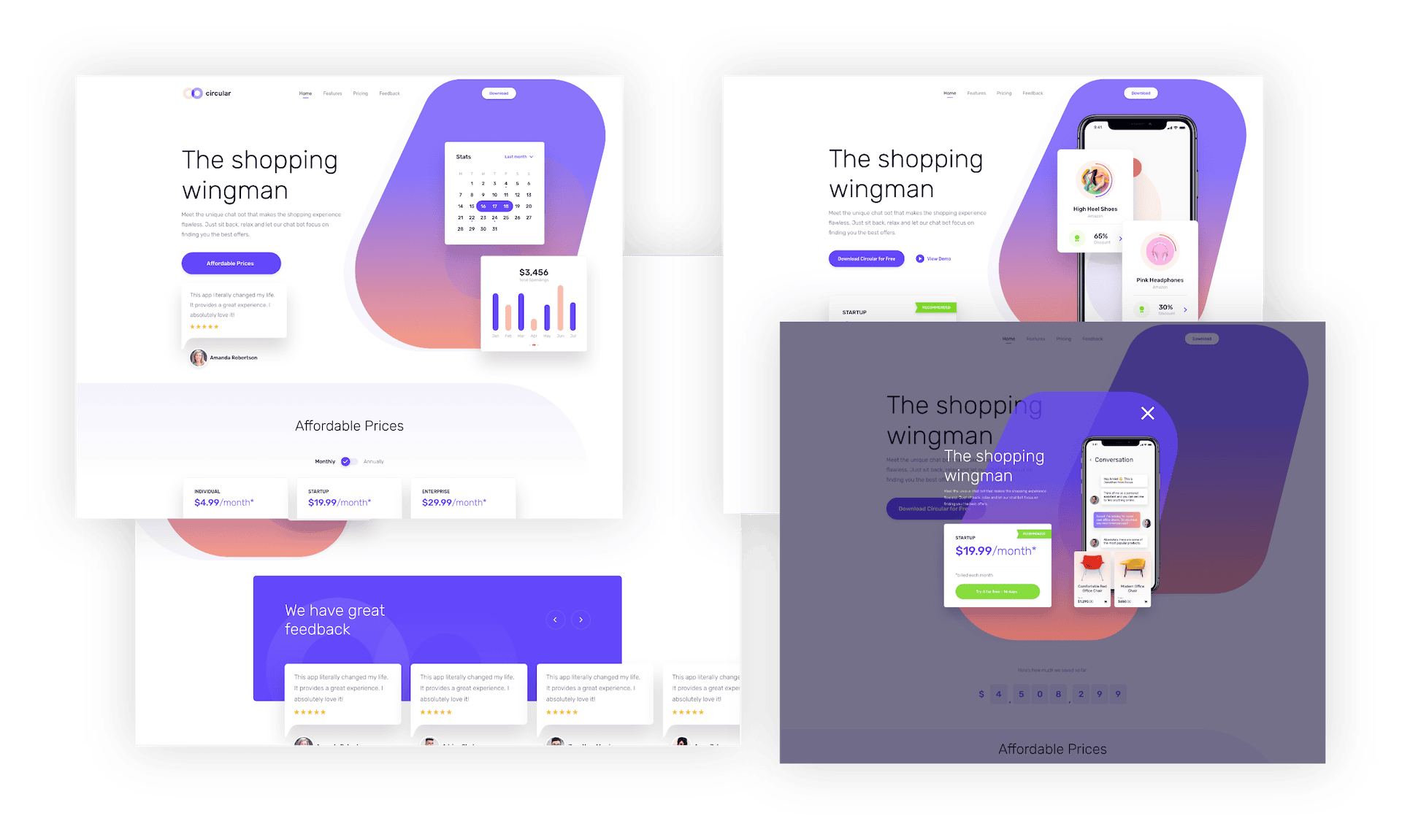
Before Dynamic Content
A campaign needs slightly different content for different audiences, so the team ends up building and maintaining several near-duplicate pages, one per audience, one per role, one per device, each one a separate thing to update, and a duplicate-content problem for SEO on top of it.
Why Teams Use Dynamic Content
One Page, Many Variations
One page can adapt to each audience, role, device, and campaign without creating a separate page for every version.

One Page Instead of Five
Manage every content variation inside a single page, not a separate page per audience, role, or device.

No Duplicate-Content SEO Problem
Because it's one page with conditional content, not five near-identical pages, there's nothing for search engines to flag as duplicate.

Personalize by Role, Device, Time, URL, or Post Field
Show or hide content based on who's visiting, how they got there, what device they're on, a time window, or whether a specific field is filled in, built in, no external plugin.

Extend It Yourself When You Need To
Developers can register custom conditions for cases the built-in parameters don't cover.
How Dynamic Content Works
From One Page to Many Variations in Three Steps
Step 1
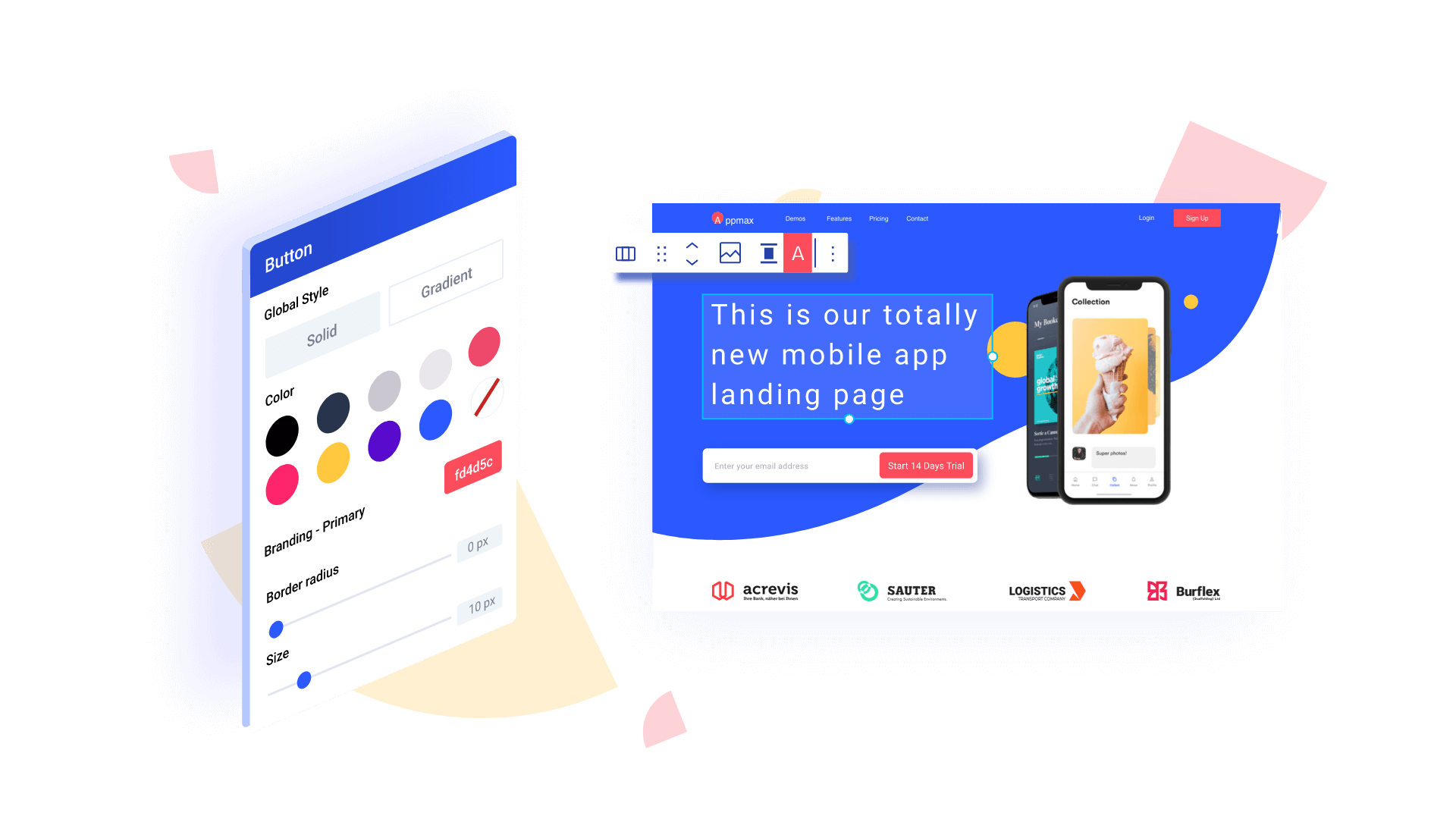
Add a Conditional Content Block
Wrap the content that should vary in a Conditional Content block, right in the editor.
Step 2
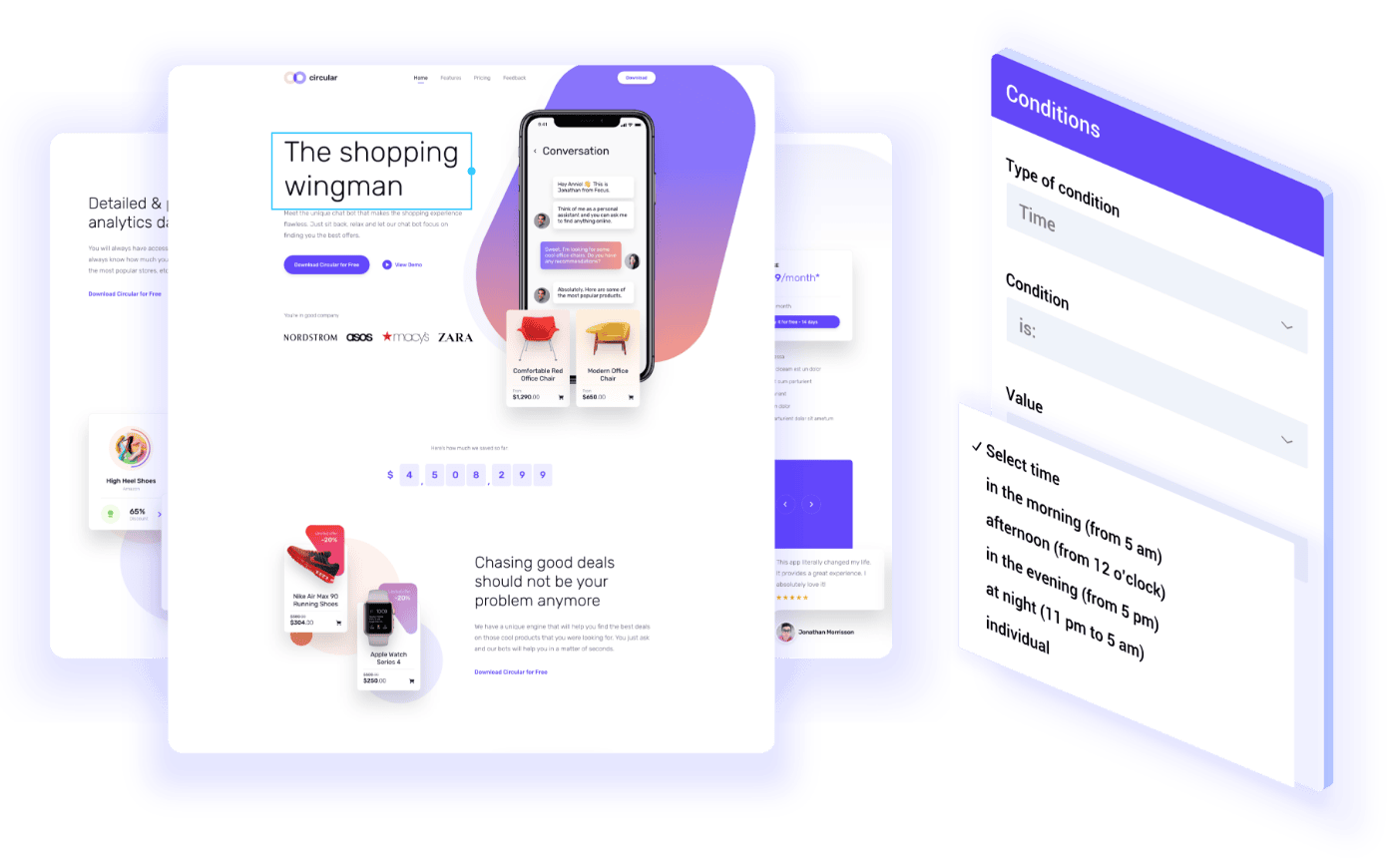
Define the Condition
Set the logic, user role, device, time, URL parameter, or a custom condition a developer has registered, that decides when this block renders.
Step 3
Nothing Renders When It Doesn't Match
If the condition isn't met, no markup renders at all, not even hidden via CSS.
Built for the Way Teams Actually Work

Marketing
Perfect for Marketing Teams Who…
Need one campaign page that adapts by audience instead of five separate landing pages to keep in sync

Development
Built for Developer Who…
Like to skip building conditional logic from scratch or reaching for a separate plugin


Technical Details
What’s In It?
Conditional Content Block
A wrapper block that renders its child blocks only if the defined logic evaluates as true; when it doesn't, no markup is rendered at all, not even hidden via CSS.
Supported Parameters
URL parameters, user behavior, user role, time, post meta data, device, and other factors.
Custom Conditions
Developers can register their own evaluation methods beyond the built-in parameters, via greyd_conditional_content_filter.
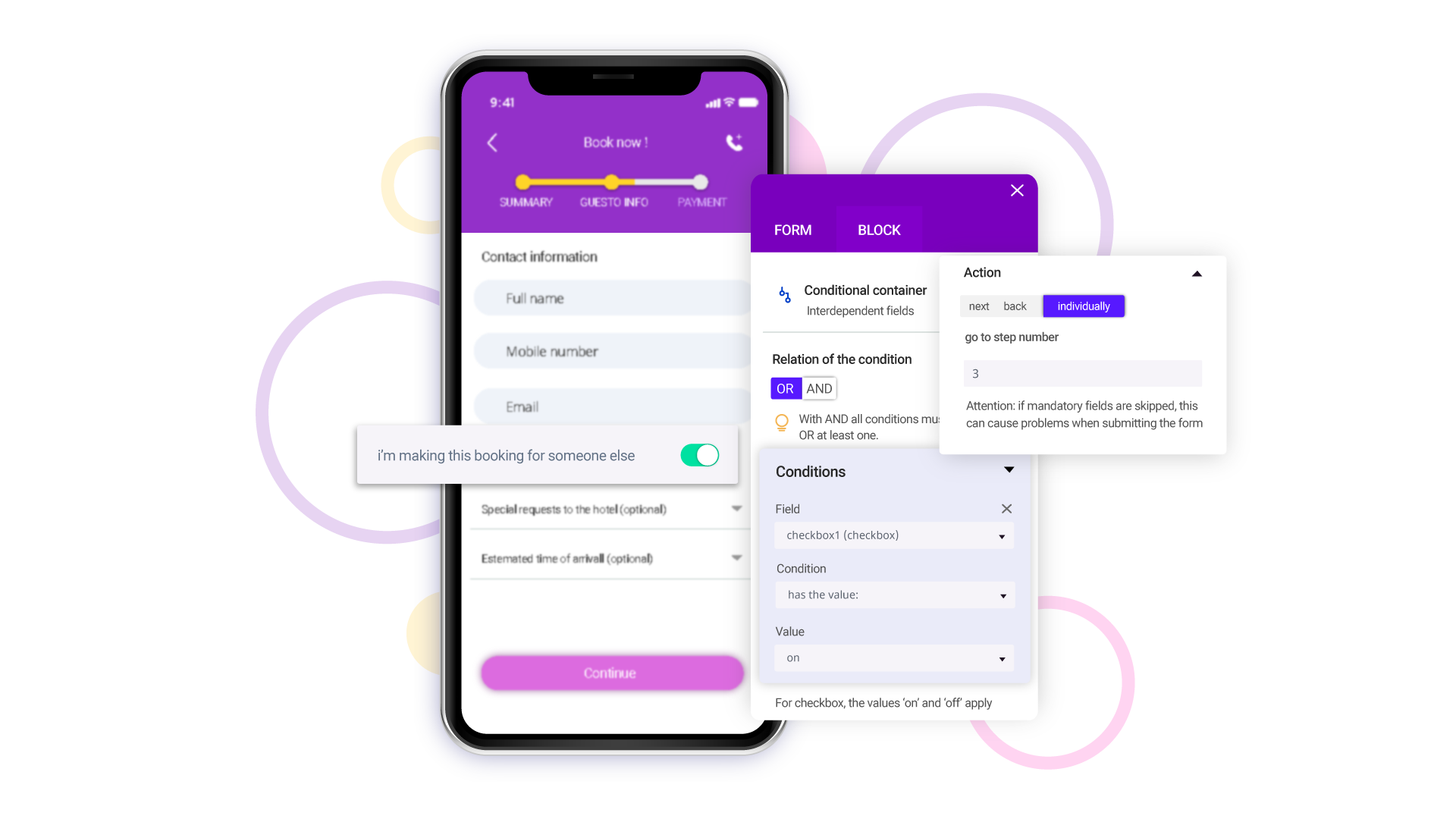
Combine Conditions with AND or OR
Stack several conditions on one block and choose whether all of them need to match or just one, instead of building separate blocks for every combination.
Testimonials
Built With Dynamic Content

Automatically displays system-relevant frontend notifications in different layouts depending on which notification is active, letting non-designers publish them.

Offers franchisees optional content that's activated by checking a box in the backend, no separate page version required.

Uses Conditional Content to automatically display the right campaigns, pricing, and features for each franchise location, based on simple checkbox selections in the backend.