Before the Site Connector
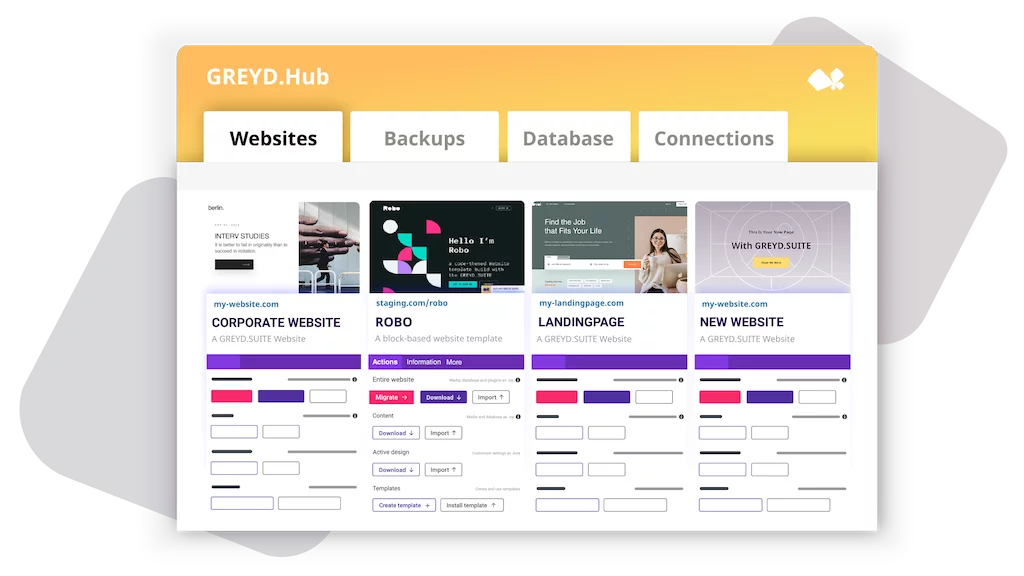
A franchise or agency runs some sites on one multisite network and others on entirely separate installations, maybe even different hosts, and there’s no single place to manage them, migrate between them, or search across all of them at once.
Why Teams Use the Site Connector
One Shared Environment for Every Installation
Connect WordPress sites across different installations and hosts, then manage, sync, and search across them from one place.

Connect Installations, Not Just Sites in One Network
Link individual WordPress installations and entire multisite networks into one shared environment, regardless of host.

Manage Everything from One Place
Every connected installation shows up in Greyd.Hub, for backups, staging, and monitoring, no matter where it's hosted.

Share Content Across Installations
Combine with Global Content to sync templates, post types, and content across every connected installation, not just within one multisite.

Search Across Every Connected Site
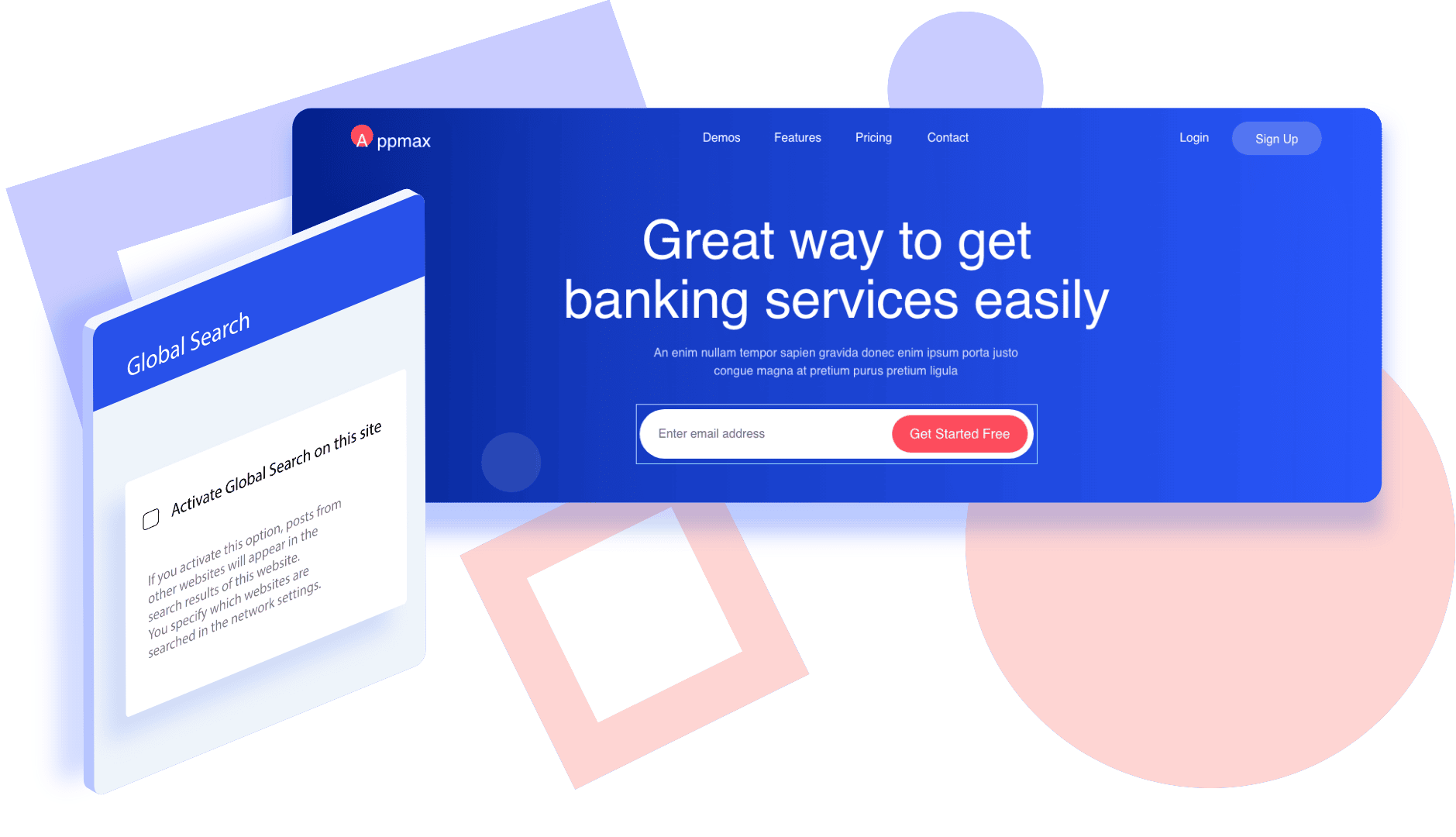
Combine with Global Search to return results from every connected installation in a single query.

No Hosting Lock-In
Connect a site on any host; Site Connector doesn't require every connected installation to share infrastructure.
How the Site Connector Works
From Site Connection to Cross-Installation Workflows in Four Steps
Step 1
Connect the Installation
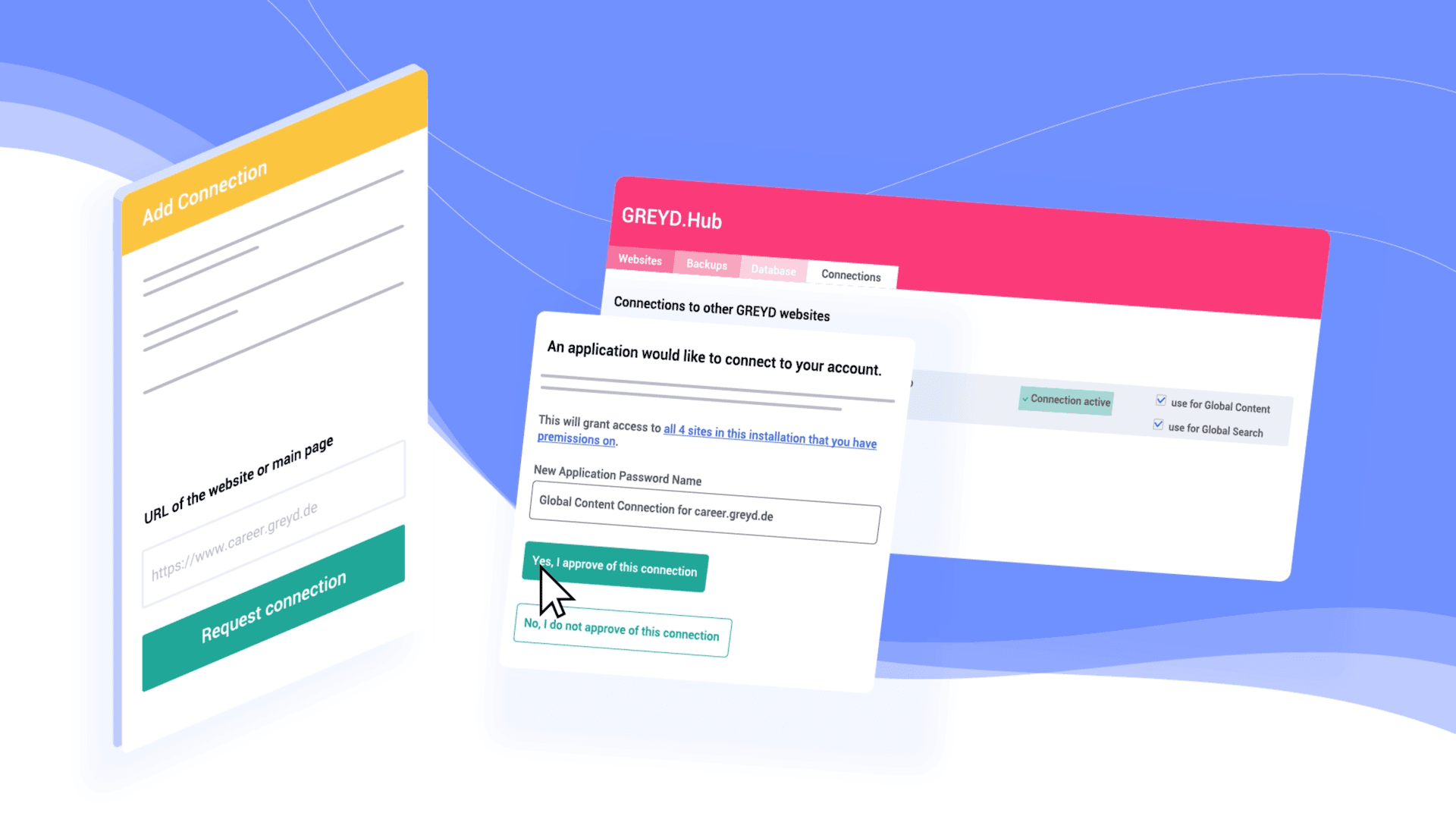
Link a single site or an entire multisite network to your central Greyd.Hub, regardless of host.
Step 2
Authorize the Connection from the Other Installation
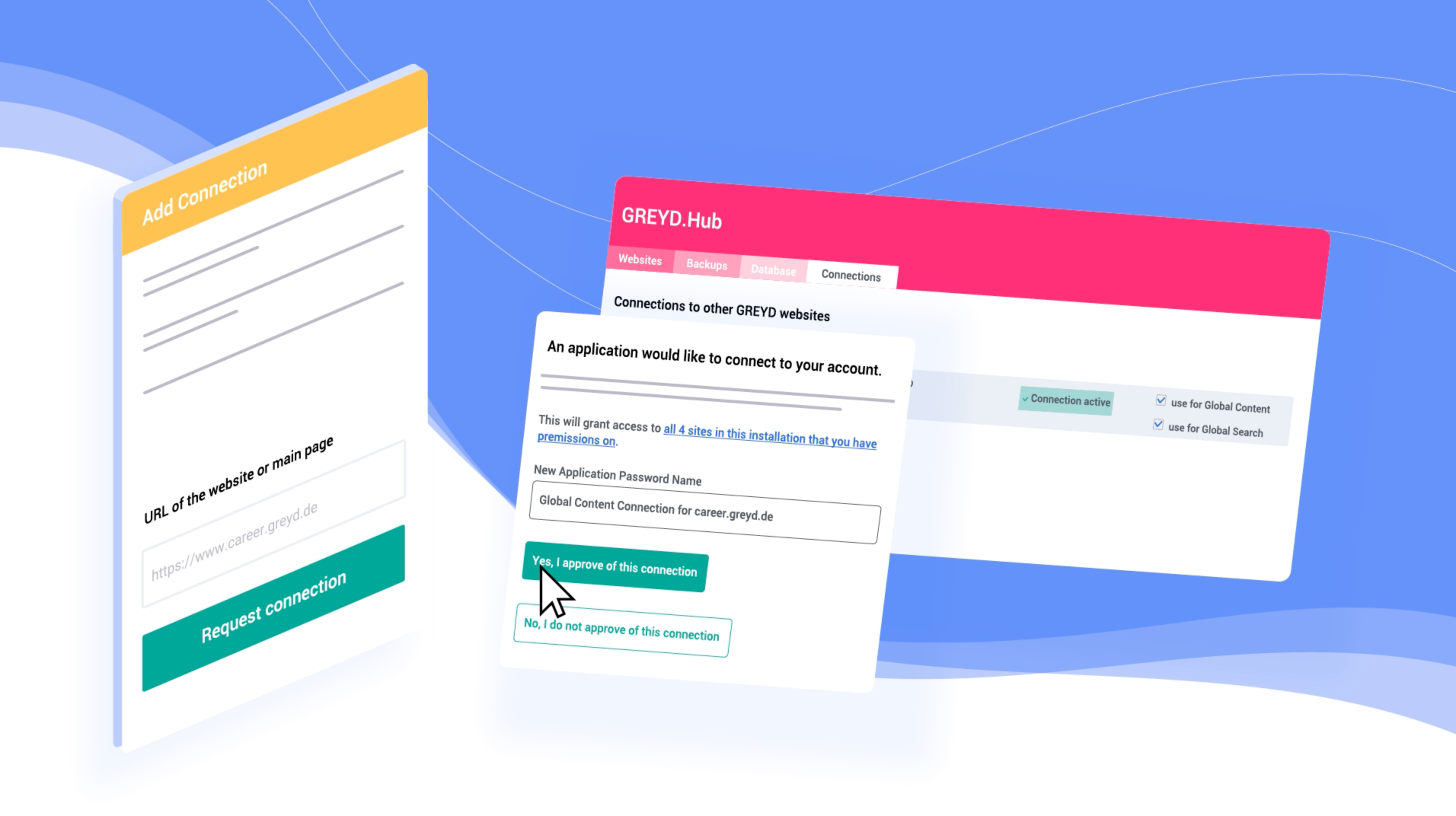
Confirm the connection on the other installation's side too, so both sites agree to the link before anything is shared.
Step 3
Activate It for Global Content and/or Global Search
Turn the connection on for Global Content, Global Search, or both, depending on what should be shared between the two installations.
Step 4
Everything Now Works Across Every Connected Site
Once the connection is live, Greyd.Hub management, content syncing, and search all work across every connected installation automatically.
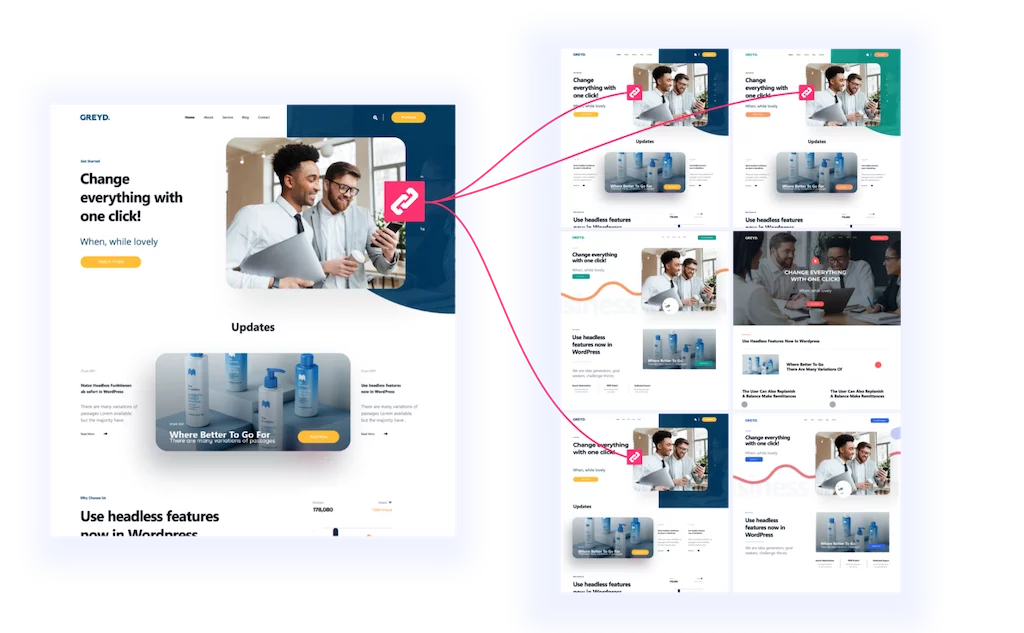
Built for the Way Multi-Installation Teams Actually Work

Franchise
Perfect for Franchise and Multi-Location Networks Who…
Run sites across more than one installation or host and need one place to manage all of them
Want to launch a new location on its own installation without losing central control

Technical Details
What’s In It?
Multi-Installation Connectivity
Connect any number of single sites and multisite networks together, no matter how many separate installations are involved.
Hosting-Agnostic
Each connected installation can live on a different host entirely; Site Connector doesn't require shared infrastructure.
Two-Sided Authorization
A connection only becomes active once both installations confirm it, so neither side can be connected without agreement.
Per-Feature Activation
Turn Global Content, Global Search, or both on independently for each connection, instead of sharing everything by default.
Import and Migrate
Import design settings and migrate media files between domains in seconds.
Testimonials
Built With Site Connector

Built a website generator in which every individual site stays synchronized with one global master site, so template updates reach every generated site from a single place.

Operates multiple multisite installations built around two coordinated master sites, one central creation environment synchronized to a universal blueprint template.

Runs several product-specific Help Centers that are connected to each other and built on the same shared templates, so every new Help Center starts from one central blueprint.